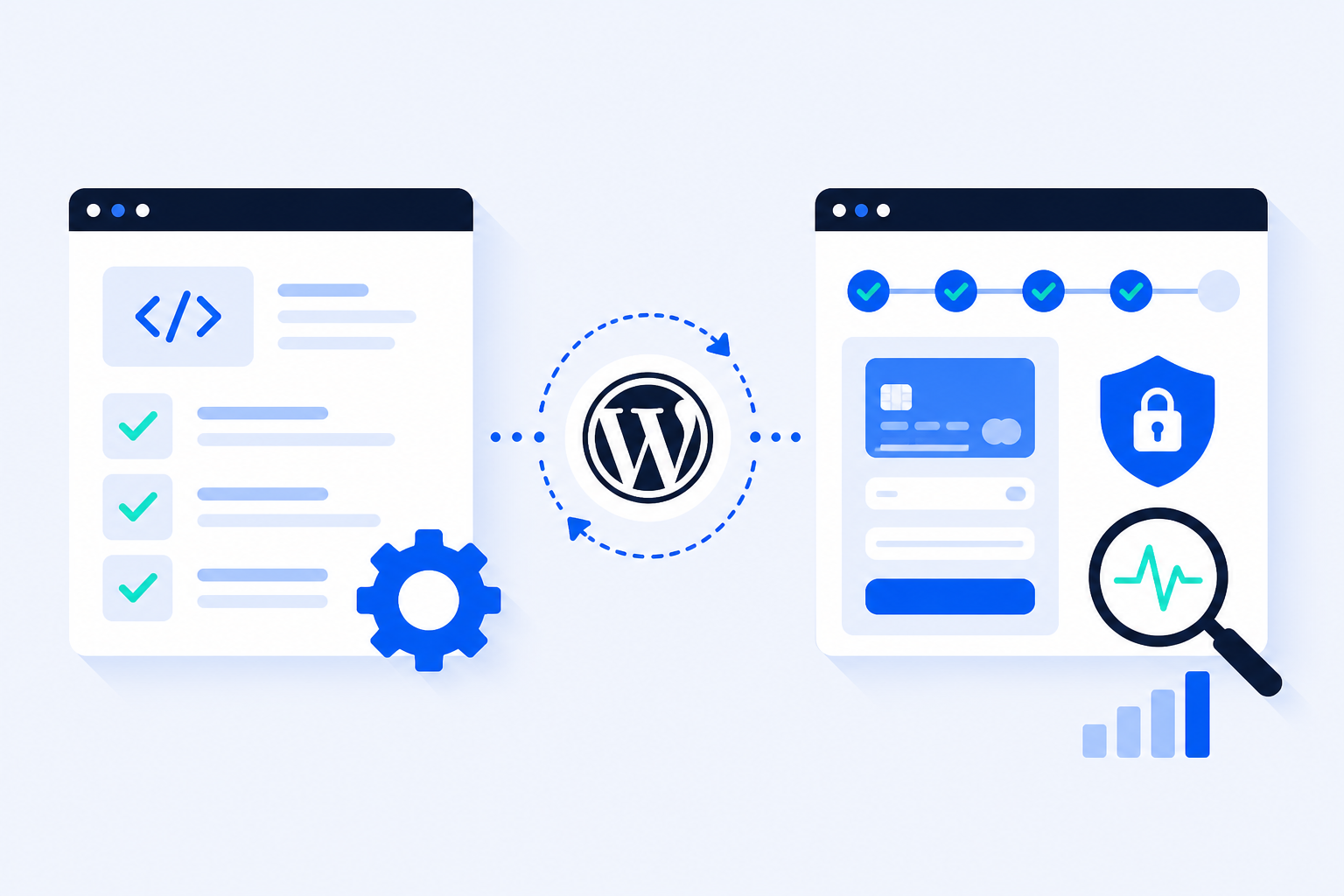
Developers talk about “tests.” Shop owners talk about “is checkout broken?” Those sound like the same conversation. They are not. Unit testing answers whether a piece of code behaves as designed in isolation. Checkout monitoring answers whether a real customer can still buy something on your live WordPress site right now. Confusing the two is how stores ship green CI pipelines and still lose weekend orders.
Two Very Different Questions
Before you pick a tool, name the question you are trying to answer. Most WordPress and WooCommerce teams mix them up — then wonder why their “testing strategy” never catches a dead place-order button after a plugin update.
The developer question
“Did this change break the code I own?” Unit and end-to-end (E2E) tests live here. They run in CI, on staging, or on a laptop. They protect refactoring speed and catch regressions you introduced on purpose.
The shop-owner question
“Can a customer complete checkout (or submit a critical form) on the live store today?” Monitoring lives here. It runs on a schedule against production (or a production-like URL), without a deploy, and alerts you when the conversion path fails — even if nobody committed code.
Both questions matter. Only one of them protects revenue while you sleep. If your team only has unit tests, you know the PHP function is pure — not that Cloudflare, a cache plugin, or Stripe test keys flipped live overnight.
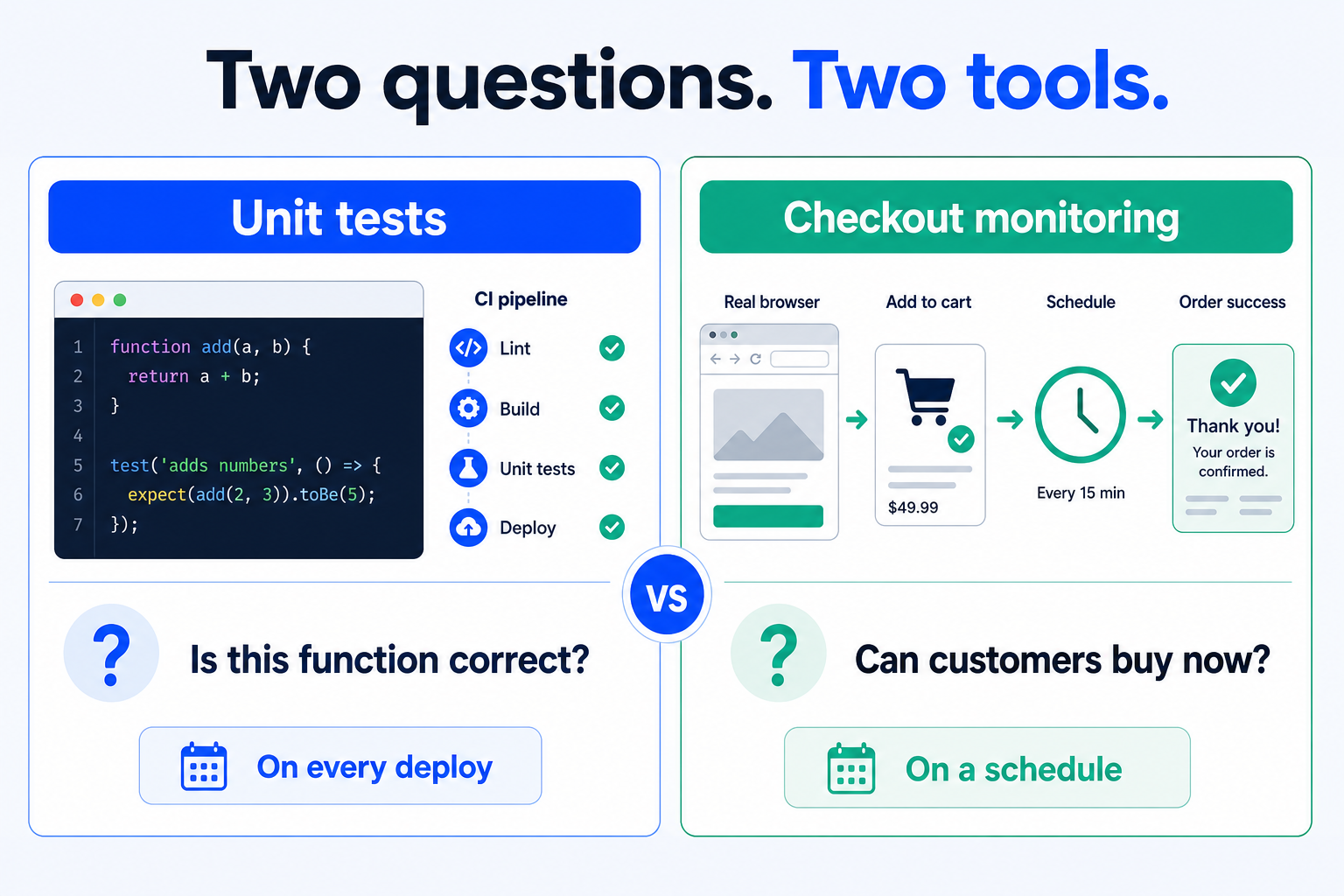
Unit tests ask whether isolated code is correct. Checkout monitoring asks whether customers can buy on the live store right now.
What Unit Testing Is
A unit test exercises a small, isolated slice of logic — a function, a class method, a WooCommerce filter callback — with controlled inputs and expected outputs. Dependencies are mocked. There is no browser. There is usually no real database, no CDN, and no payment gateway.
Runs in milliseconds inside PHPUnit, Jest, Vitest, or similar.
Proves that your code path returns the right value for the cases you wrote.
Fails when a developer changes behavior without updating the test — which is the point.
Cannot see theme JavaScript, cookie banners, expired nonces, or a gateway timeout.
What a unit test is good at
Tax calculation helpers, coupon eligibility rules, custom shipping rate math, REST response shaping, and sanitization helpers. If the bug is “this function returns the wrong number,” unit tests are the right tool.
What a unit test cannot see
A green suite does not mean checkout works. WooCommerce checkouts fail in the seams: plugin load order, cached HTML with stale nonces, payment JS, CAPTCHA, SMTP after “success,” and third-party APIs. None of that lives inside a single pure function.
What E2E Testing Is
End-to-end tests drive a real (or headless) browser through a user journey: open product → add to cart → fill checkout → assert thank-you page. Frameworks like Playwright, Cypress, and Selenium belong here. So do many recorded “browser automation” tools used as Ghost Inspector alternatives when teams outgrow click-recording for CI.
Proves a full path works in a controlled environment (usually staging or ephemeral preview).
Catches UI regressions, selector breakage, and some integration failures.
Typically runs on demand or in CI — not every hour against every live client store.
E2E ≠ continuous monitoring
An E2E suite that runs after every pull request is excellent engineering practice. It still answers “did our change break the flow?” It does not answer “did something outside the repo break the live store at 03:00?” Those are different jobs sharing a browser.
What Checkout Monitoring Is
Checkout monitoring is scheduled, production-facing proof that the revenue path still completes. A bot opens the live site in a real browser, walks cart and checkout with controlled test data, asserts the success state, and alerts on failure. No code deploy required. No developer on call to remember Sunday night.
Runs on a cadence (daily or hourly) against the URLs that earn money.
Fails closed when place-order, payment, or confirmation breaks — even if homepage uptime is green.
Is built for shop owners and agencies — not only for teams that maintain a Playwright farm.
The same pattern applies to lead and contact forms: fill → submit → confirm. Silent form failures look like a healthy site until the pipeline goes quiet — see WordPress form failure monitoring.
Comparison animation: unit tests checking isolated code versus scheduled live checkout monitoring
Animated split view: unit tests light up isolated code checks on the left; checkout monitoring pulses a scheduled live-browser run on the right.
Comparison Table
Same store, three layers. Use the table to decide what you are buying — developer confidence, release confidence, or live revenue protection.
Dimension
Unit testing
E2E testing
Checkout monitoring
Core question
Is this function correct?
Does this journey work in our test env?
Can customers buy on the live site now?
Runs where
CI / local
CI / staging / preview
Production (or prod-like) on a schedule
Who owns it
Developers
QA / developers
Shop ops / agency / owner
Browser
No
Yes (controlled)
Yes (live stack)
Catches plugin auto-update at 3am
No
Only if someone re-runs the suite
Yes, on the next scheduled run
Catches wrong tax math in a helper
Yes
Maybe, if asserted
Only if the order total looks wrong end-to-end
Setup cost
Dev time + CI
Dev/QA time + flake ops
Minutes with a SaaS; higher if self-hosted
Best first step for store owners
Rarely
If you have a product team
Usually yes
Do You Need Both?
Yes — if you have developers writing custom code and a store that takes real orders. They are complementary, not interchangeable. The practical order depends on who you are.
If you are a shop owner (little or no custom code)
Start with checkout monitoring. You are not maintaining a PHPUnit suite for a stock theme. You need to know when payment, cache, or a plugin update kills the place-order button. Add form monitoring for any lead form that feeds sales. Unit tests can wait until you hire (or become) a developer who owns custom logic.
If you are an agency
Monitor every client checkout on a schedule — that is the retainer signal clients actually feel. Keep E2E or staging checklists for big releases. Unit tests belong in the repos you customize, not as a substitute for overnight production runs across ten stores.
If you are a WordPress / WooCommerce developer
Keep unit tests for pure logic. Keep E2E for release gates on staging. Add continuous monitoring on production so “CI is green” does not become “customers cannot pay.” Monitoring is not a license to skip tests — it is the layer that covers everything outside your commit.
Which to start with
Revenue at risk today → checkout monitoring first.
Heavy custom plugins / themes in active development → unit + E2E in CI, then monitoring on live.
Agency portfolio → monitoring across sites first; deepen E2E only for high-change clients.
Do not buy the wrong green light
A passing unit suite is not a checkout health check. An uptime ping is not either. If the question is “are we taking orders,” only a real browser path on a schedule answers it.
Stop Losing Revenue to Broken Checkouts
ShopMonitor runs automated checkout and form tests every day – and alerts you the moment something breaks. No code changes. No plugins. Setup in 5 minutes.
No. Unit testing verifies isolated code logic in CI or locally. Checkout monitoring verifies that a live customer path (cart → checkout → confirmation) still completes on a schedule. One protects developer changes; the other protects revenue between changes.
If you ship custom themes or plugins, yes — E2E (or thorough staging QA) remains a strong release gate. ShopMonitor does not replace CI. It covers production drift that CI never sees: cache, CDN, gateways, auto-updates, and overnight failures.
Almost never by themselves. Checkout failures usually live in JavaScript, caching, payment APIs, and plugin interactions. Unit tests excel at pure PHP/JS helpers; they do not drive a real browser through place-order on the live stack.
Start with continuous checkout monitoring on the live store. You get pass/fail and alerts without writing PHPUnit or Playwright. Add developer-owned unit/E2E tests later if you introduce custom code that needs regression protection.
Daily is a baseline for most stores. Hourly (or better) is wiser for high-revenue sites, peak campaigns, and agencies responsible for client checkouts overnight. Increase cadence after risky updates and before major promotions.
About the author
Written by the Winning Solutions team — the agency behind ShopMonitor, automated WooCommerce checkout and form monitoring.
Unit Testing vs. Checkout Monitoring in WordPress – What's the Difference? | ShopMonitor