checkoutwoocommerce
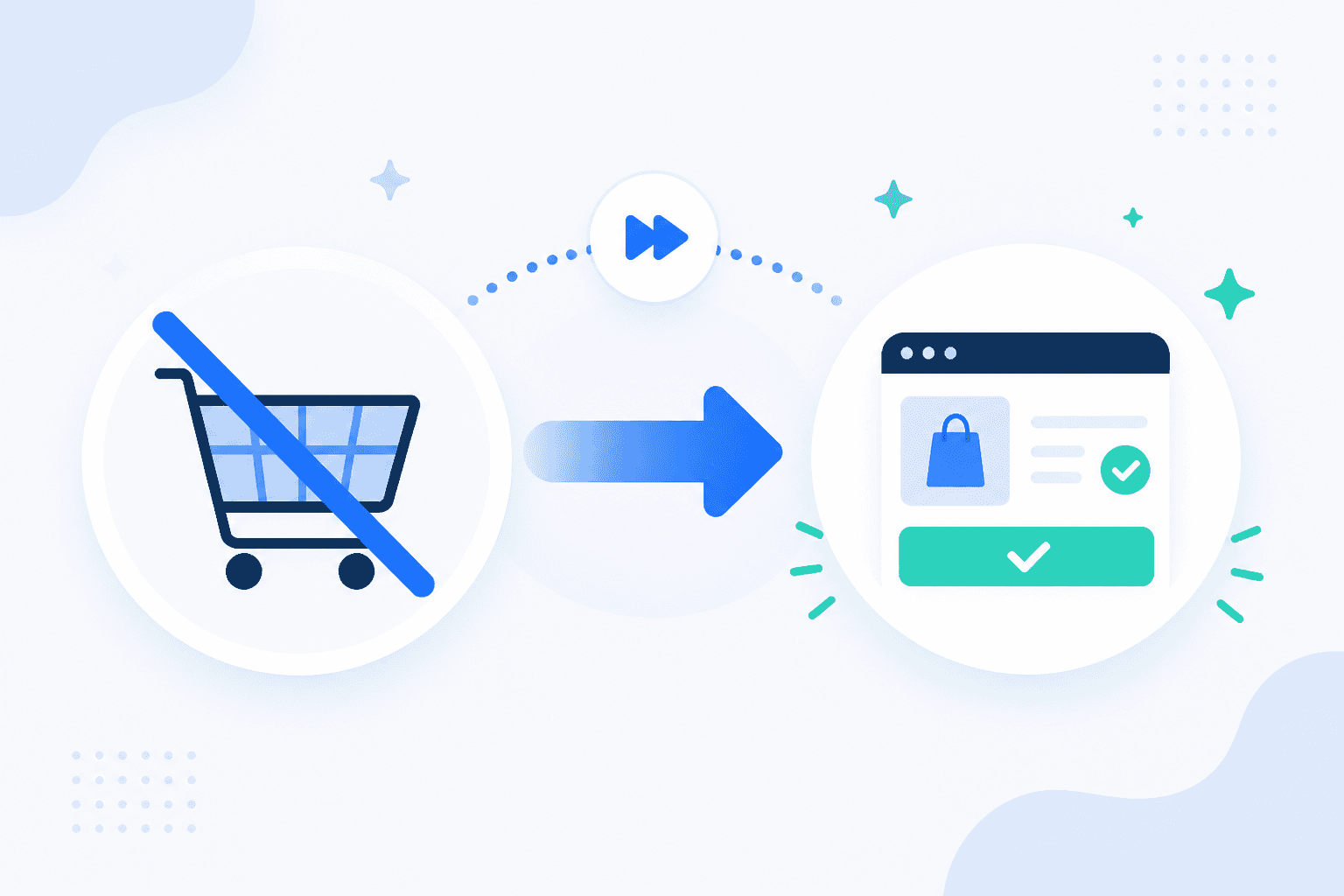
How to Set WooCommerce to Skip the Cart
October 21, 20268 min read·ShopMonitor Team
Loading…
How to set WooCommerce to skip the cart starts with how your customers buy. A cart redirect looks like a small checkout tweak, but it changes where shoppers choose quantities, apply coupons, see shipping costs, and reconsider the order. You have three workable routes: a WooCommerce setting that only redirects to the cart, a short code snippet for WooCommerce direct checkout, or a plugin for product-level control.
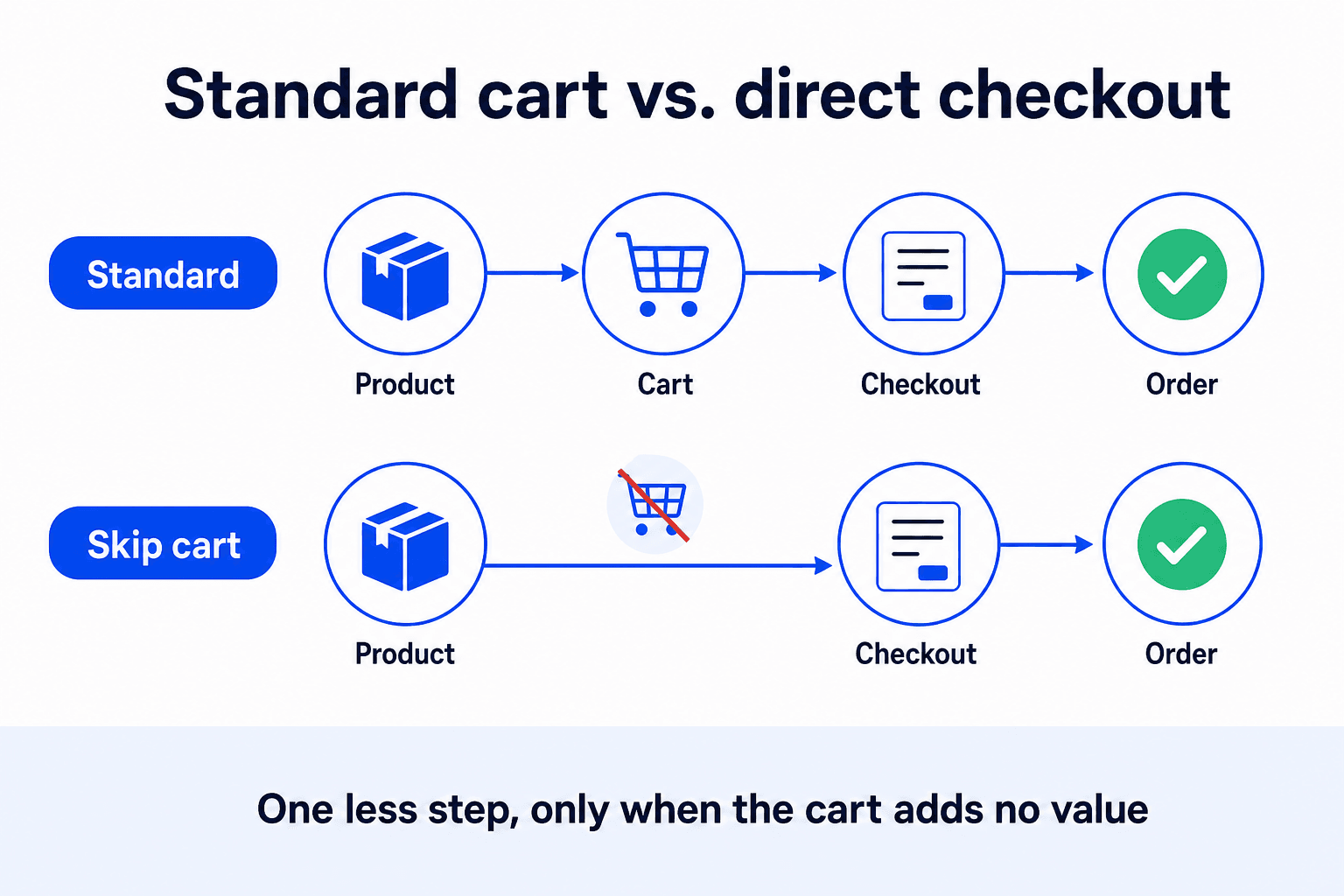
WooCommerce checkout flow with and without a cart page. The standard path runs from Product page to Cart page, Checkout, and Order received. The shortened path sends Product page visitors directly to Checkout.
The cart is not dead weight by default. It is where buyers adjust quantity, apply a coupon, compare shipping options, and catch the wrong variation before payment. Remove that stop and those decisions move to checkout, or disappear from the journey entirely.
Good Fit
A direct-to-checkout path is usually a good fit when the typical order contains one item and the decision is already made:
For these stores, the cart often repeats a decision the buyer has already made. They arrive, see a familiar summary, and need to click once more to continue.
Poor Fit
The shortcut starts working against you when an order regularly contains more than one line item:
A blanket conversion claim says nothing useful about your store. Start with your average items per order. When it is close to one, the cart may be friction. When buyers routinely combine products, it is doing useful work.
WooCommerce ships one relevant option, at WooCommerce > Settings > Products > General, under Add to cart behaviour: "Redirect to the cart page after successful addition". Enable it and save. A successful add to cart now takes the buyer away from the product page instead of leaving them there.
WooCommerce add-to-cart redirect setting. The Products tab and General sub-navigation are selected. Redirect to the cart page is checked and AJAX add to cart on archives is unchecked.
Note the wording: the cart page, not checkout. That distinction matters. Core WooCommerce does not offer a direct-to-checkout checkbox, so this setting alone does not skip the cart. It merely replaces the manual trip from product page to cart with an automatic one.
If you cannot find the section at all, or the option seems to do nothing, the redirect to cart settings guide shows where to find it in current WooCommerce releases and which overrides can take over.
Callout
For a real checkout redirect, use the woocommerce_add_to_cart_redirect filter. WooCommerce passes in the destination URL it planned to use. The URL your callback returns becomes the destination instead.
Put these snippets in a child theme's functions.php, a small custom plugin, or a code-snippets plugin. Leave the built-in cart redirect setting from Method 1 off because this filter takes over the redirect.
Callout
Use this for a store where every purchase should go directly to checkout:
add_filter( 'woocommerce_add_to_cart_redirect', 'sm_skip_cart_to_checkout' );

function sm_skip_cart_to_checkout( $url ) {
	return wc_get_checkout_url();
}
wc_get_checkout_url() resolves the page currently assigned as checkout. If that assignment changes later, the snippet follows it.
Without a visible cart page, buyers have less opportunity to remove an earlier item. If your store deliberately allows one item per order, clear the cart before each addition so a second click replaces the first instead of adding to it:
add_filter( 'woocommerce_add_cart_item_data', 'sm_empty_cart_before_add' );

function sm_empty_cart_before_add( $cart_item_data ) {
	if ( ! is_admin() && WC()->cart ) {
		WC()->cart->empty_cart();
	}

	return $cart_item_data;
}
Use this only when multi-item orders genuinely make no sense. It removes everything already in the cart without asking for confirmation.
The filter also receives the product being added. That lets you keep the standard journey for the catalog and shorten it for one category, such as services or memberships:
add_filter( 'woocommerce_add_to_cart_redirect', 'sm_skip_cart_for_services', 10, 2 );

function sm_skip_cart_for_services( $url, $product ) {
	if ( ! $product ) {
		return $url;
	}

	if ( has_term( 'services', 'product_cat', $product->get_id() ) ) {
		return wc_get_checkout_url();
	}

	return $url;
}
Returning the original $url in every other branch is deliberate. It leaves WooCommerce and other plugins using the same filter in control instead of applying a redirect you did not mean to apply.
A plugin is a better fit when the behavior should vary by product, or when the destination needs its own button and layout controls. The common approaches are:
Direct checkout approaches compared
| Approach | What you get | Pick it when |
|---|---|---|
| Direct checkout plugins (for example Direct Checkout for WooCommerce by QuadLayers) | Site-wide or product-level redirects, custom button labels, optional cart-page removal | You need redirect and button control without maintaining code |
| Buy now button plugins | An extra button beside add to cart on selected products while the standard flow stays intact | Only part of the catalog should bypass the cart |
| One page checkout extensions | Product selection and checkout fields combined on one page | You are building a dedicated offer page rather than changing the global journey |
| Funnel builders (for example CartFlows) | Checkout steps, order bumps, and post-purchase upsells | The shorter path belongs to a wider funnel design |
One-page checkout is related but distinct. It combines steps on one page instead of removing one. Compare both approaches before a redirect becomes your default flow.
Before choosing a plugin, check whether it replaces the checkout template. If it does, existing styling and field changes may not carry over. Retest checkout fields and payment after you install it.
These terms are often treated as interchangeable. They solve different problems.
Skipping the cart is global. Every add-to-cart action follows the same shortened route and the cart page drops out of the journey. A buy now button is product-specific. The regular add-to-cart button remains, while a second button gives decisive buyers an express option.
Skip cart
Buy now
Both together
For simple products, WooCommerce already accepts an add-to-cart parameter in a URL. A link such as https://example.com/checkout/?add-to-cart=123 adds product ID 123 and opens checkout in one request. Variable products still need a variation selected first.
Cart-flow changes reach deeper than the button that triggered them. They affect AJAX handlers, session state, and when shipping and totals are calculated. A product page can look fine while the failure sits two steps later. Test the whole journey before calling the change complete:
Step 5 deserves the extra minute. Removing the cart page moves shipping calculation to a later point in the flow. Our walkthrough on how to test your checkout gives the manual version of this checklist more depth.
Cart-logic changes are a common source of checkout failures because they touch the AJAX and session layers used by the steps that follow. ShopMonitor runs automated browser checkout and form tests and alerts you when the add-to-cart step, redirect, or payment path breaks. It verifies the browser checkout and order-received path, so a redirect that interrupts purchases appears as a failed run.
ShopMonitor runs automated browser checkout and form tests and alerts you when a path breaks. No code changes. No plugins. Setup in 5 minutes.
No credit card required.

About the author
Written by the team at Winning Solutions, the agency behind ShopMonitor. We build and maintain WooCommerce purchase paths with the care they deserve.