checkoutmonitoringwoocommerce
WordPress Uptime Monitoring vs Checkout Monitoring
September 30, 20269 min read·ShopMonitor Team
Loading…
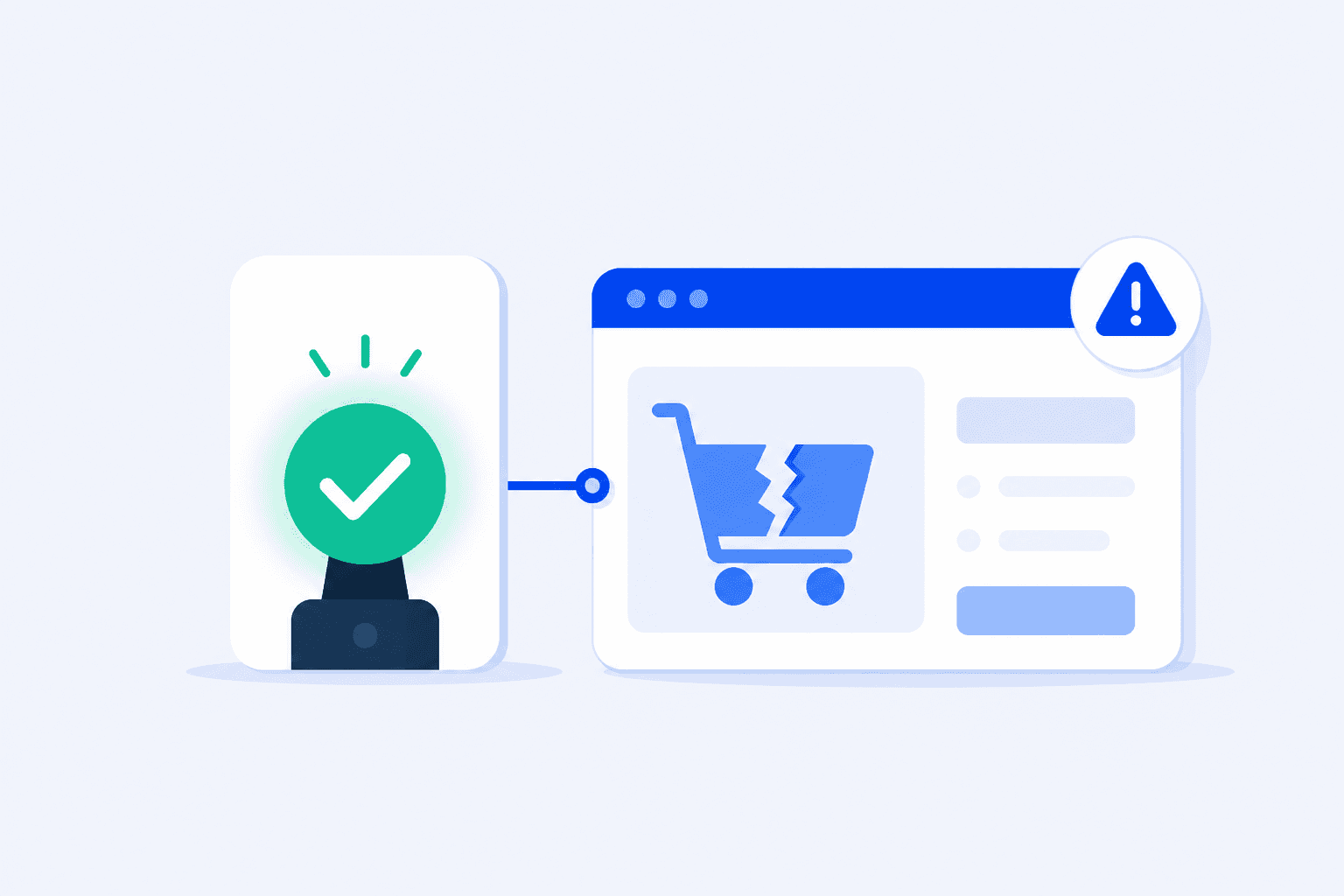
WordPress uptime monitoring can confirm that a server answered a request. It cannot confirm that a shopper could place an order. That distinction is easy to miss until a store looks healthy on every dashboard while its checkout quietly fails. Here is where uptime monitoring stops, what it still does well, and how checkout monitoring covers the transaction path.
It is Friday evening. Traffic is normal, pages are quick, and nothing has shipped since Tuesday. Outside your infrastructure, a payment provider rotates an API credential as part of routine policy. The gateway plugin still has the old value.
Nothing looks broken at first. The homepage, category pages, and product pages load. Add to cart still works. A shopper completes the checkout form, enters card details, selects Pay, and gets a generic error at the final step. They try again, then leave. The next shopper does the same.
The uptime monitor checks the site every five minutes all weekend. Each request gets a 200 response because the pages are available. No alert fires because, by the measure that monitor uses, nothing is wrong.
On Monday morning, the order screen is unusually quiet. Replacing the credential takes minutes. The harder question remains: when did the failure begin? The uptime history is a flat green line, so it cannot establish the incident window or explain what shoppers encountered.
Animated weekend timeline showing green 200 OK uptime checks while checkout payments fail from Friday evening to Monday morning.
The operational cost
Uptime monitoring is useful, inexpensive, and worth keeping. It is simply narrower than many store owners expect. Its value becomes clearer once you separate page availability from a completed transaction.
HTTP response and availability
Optional content checks
It cannot verify any workflow that needs multiple ordered requests with state carried between them:
These failures often leave every monitored page returning 200. That is the gap.
These are common WooCommerce failure patterns. In each case, notice what a woocommerce uptime monitoring dashboard can show while the failure is active.
The payment gateway rejects transactions
An expired API key, a rotated secret, a provider-side account restriction, or a plugin update can interrupt payment authorization. The checkout page still renders and accepts input. The rejection arrives at the final step, often as a generic error with no useful next action for the shopper. Leaving test mode enabled after a deployment can create a similar operational problem.
Uptime monitor result: 100 percent available.
Nonce and session failures at checkout
WordPress uses nonces to validate that a request originated from the page it claims to represent. Aggressive caching, a CDN caching the wrong page state, or a session handler misconfigured after a host migration can serve a stale nonce. The shopper may see an expired-link message or a quiet refresh that empties the cart. The page still loads correctly, which is precisely why an uptime check passes. For the fix path, see how to fix invalid nonce errors in WordPress.
Uptime monitor result: 100 percent available.
Order confirmation emails stop sending
An SMTP credential change, a suspended sending domain, or a plugin conflict can stop transactional mail. The order may still be created and the shopper may reach the order-received page, while the customer receives nothing. Browser-based checkout monitoring does not verify that delivery either. It verifies the browser checkout and thank-you path, not whether a message landed in an inbox. When order confirmation emails stop sending, customers assume the order failed and either reorder or open a ticket, and both cost you.
Uptime monitor result: 100 percent available.
JavaScript breaks add to cart
A theme update, a new tracking script, or a plugin with a conflicting jQuery version can throw an error before the cart handler binds. The button does nothing or spins indefinitely. Because this failure lives in the browser, the server may never receive an error, and the HTML can still contain "Add to cart" for a keyword check to find.
Uptime monitor result: 100 percent available.
Shipping rates do not return
A shipping zone may exclude a country, a carrier API may stop responding, or a rate plugin may fail without a visible application error. The shopper reaches shipping and sees no available method, so the order cannot proceed. From the server perspective, the page rendered successfully with an empty result.
Uptime monitor result: 100 percent available.
Coupon logic fails
A campaign code may never have been activated, may expire in the wrong timezone, or may exclude the products it was meant to promote. Campaign visitors receive a rejection message and abandon at the point of intent. A status code says nothing about that business rule.
Uptime monitor result: 100 percent available.
Checkout monitoring, also called functional monitoring WordPress teams use for synthetic transaction tests, tests a different thing. Rather than request a page, it runs the workflow.
Runs an actual purchase flow
Records evidence for the run
Checks a defined end state
ShopMonitor is one implementation of this category. It runs scheduled browser checkout and form flows, verifies the order-received page, records screenshots and errors for each step, and alerts on a failed run. Test orders are marked and cleaned up automatically, with no store plugin or code change. It is not an uptime monitor, security scanner, backup tool, or speed optimizer. For lead-generation sites, see WordPress form failure monitoring.
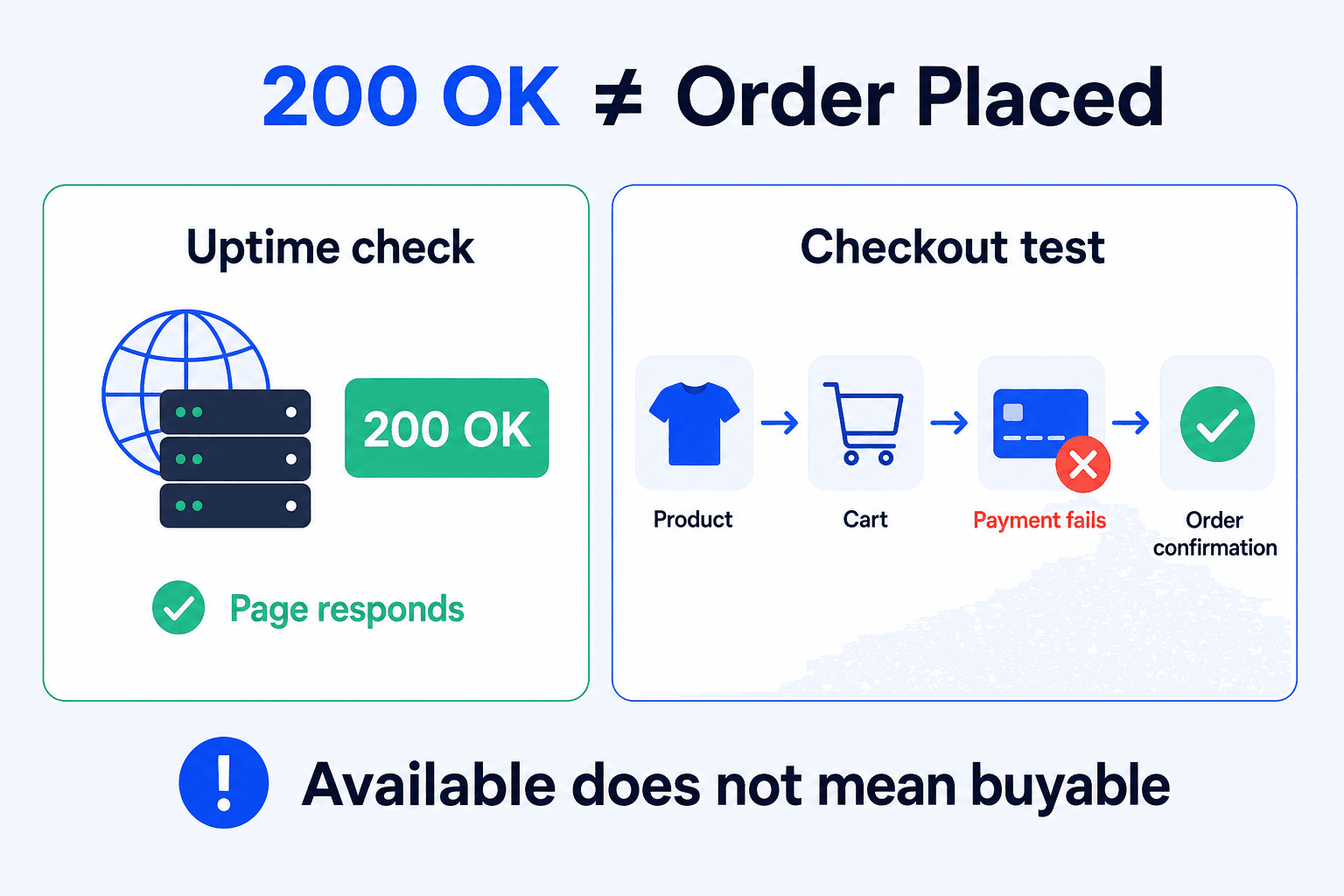
Yes. They detect different classes of failure, and their overlap is too small to treat one as a substitute for the other.
| Failure | Uptime monitoring | Checkout monitoring |
|---|---|---|
| Server unavailable, 500 response, or timeout | Detected | Detected |
| Expired TLS certificate | Detected | Detected |
| DNS or hosting outage | Detected | Detected |
| White screen with a 200 response | With a content check | Detected |
| Payment gateway rejects orders | Not detected | Detected |
| Nonce or session failure at checkout | Not detected | Detected |
| JavaScript breaks add to cart | Not detected | Detected |
| Shipping rates do not return | Not detected | Detected |
| Coupon logic fails | Not detected | Detected |
| Order email inbox delivery | Not detected | Not detected, separate check |
| Alert delay during a full outage | Seconds to minutes | Test interval |
Uptime monitoring is cheaper and usually faster for infrastructure failures. A one-minute multi-region check can alert sooner than a browser workflow. Checkout monitoring covers the application logic that those checks cannot see. The practical setup is straightforward:
If you operate stores for clients, both checks belong in the service scope. Uptime monitoring covers server availability. Checkout monitoring covers the purchase path that still returns 200 while it fails. Pair them in your operational checklist rather than treating one as a substitute for the other.
ShopMonitor runs scheduled browser checkout and form tests, then alerts you when a run fails. No store plugin or code change required.

About the author
Written by the team at Winning Solutions, the agency behind ShopMonitor. We help WooCommerce teams uncover checkout failures that uptime tools miss through scheduled browser tests and actionable run evidence.