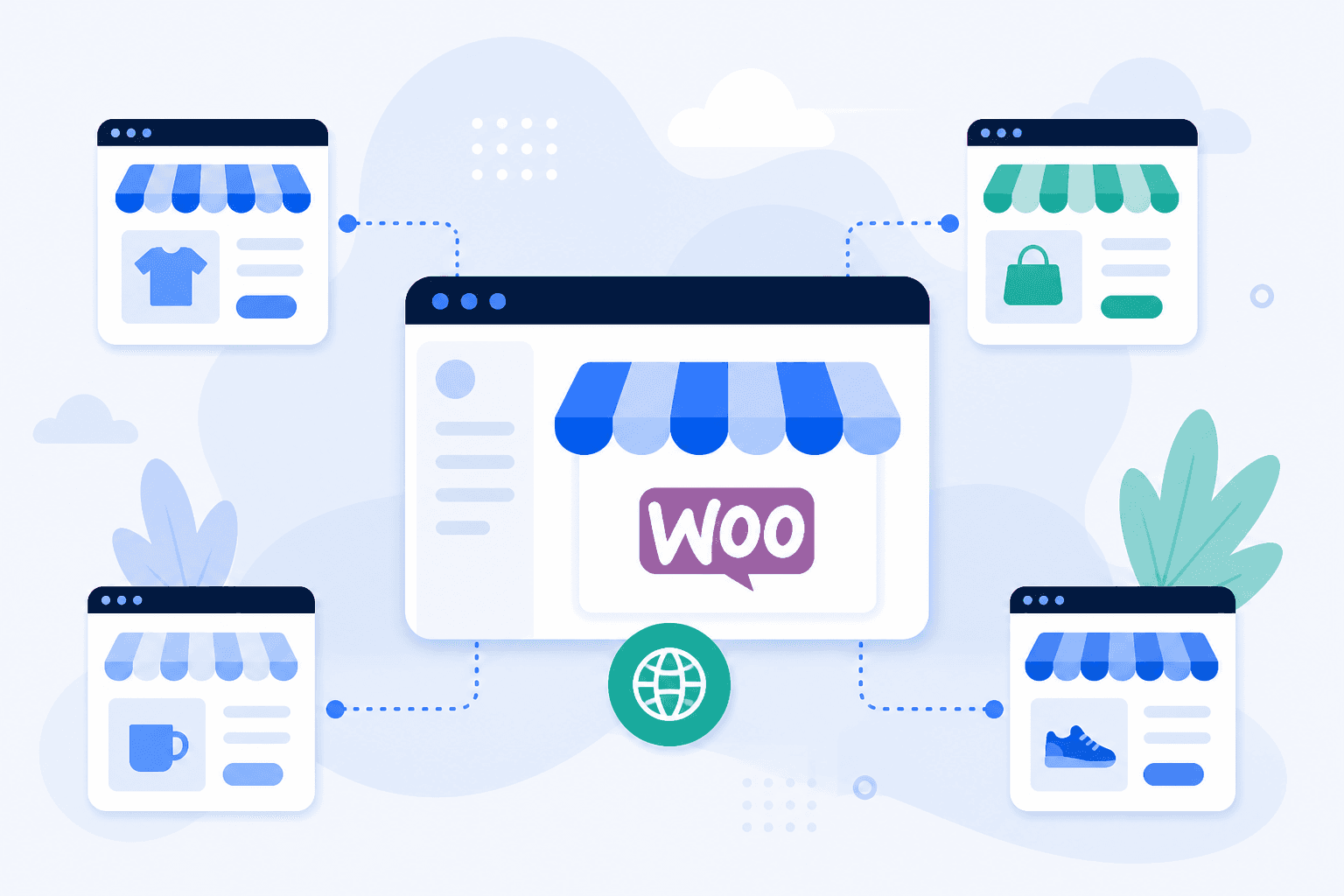
WooCommerce Multisite lets one WordPress installation run several distinct stores. That sounds like one retail system. It is not. The network shares its codebase, database server, and user accounts. Products, carts, orders, taxes, shipping rules, and payment settings stay with the individual store.
That boundary is the decision point. Multisite can reduce infrastructure work for closely related stores. It can also turn one plugin release into a checkout risk across the network. This guide covers the shared layers, the setup work, the operational traps, and when separate installations are the cleaner choice.
Shared network infrastructure and store-specific commerce data
Shared WordPress layers sit above three separate store configurations for products, orders, carts, and payments
Does WooCommerce Multisite Work for Multisite Ecommerce?
Yes. WooCommerce works on a WordPress Multisite network. Each site where you activate it becomes its own store, with its own catalog, orders, settings, and checkout. WooCommerce recommends installing the plugin once at network level, then activating it only on the sites that actually sell.
The database explains the separation. Sites use the same database but receive their own table set, typically with prefixes such as wp_2_ and wp_3_. One installation does not make the stores one commerce system.
What Multisite gives you:
One codebase
WordPress, WooCommerce, themes, and extensions are installed once for the network.
One user directory
Team members can move between sites from the network admin rather than maintain separate logins.
One operating environment
The stores use the same server stack, database, backup process, and core deployment path.
Separate storefronts
Each store can have its own products, orders, currency, design, and mapped domain.
What Multisite does not provide on its own:
A shared catalog or stock pool
A product on store A does not exist on store B. Shared inventory needs synchronization tooling.
A cross-store cart
A customer cannot add an item on one site and complete the purchase on another.
Network-wide order history
Orders remain on the site where the customer placed them.
Shared commercial settings
Tax, shipping, and payment credentials must be configured for every store.
Per-site plugin files
Plugin files are network-wide. You can choose activation per site, not installation per site.
WooCommerce Network Stores: Shared vs Separate Data
This table is the practical model to use when planning a network. Most Multisite surprises come from treating a per-store row as though it were shared.
Network-wide layers compared with per-store WooCommerce data
Layer
Shared across the network
Separate per store
WordPress core files
Yes, one copy
No
Plugin and theme files
Yes, installed once
Activation state only
User accounts and passwords
Yes, one users table
Roles and capabilities per site
Database
Yes, one database
Own table set per site (wp_2_, wp_3_)
Products and inventory
No
Yes
Orders and customer purchase history
No
Yes
Cart and session data
No
Yes
Currency, tax rates, shipping zones
No
Yes
Payment gateway keys and webhooks
No
Yes
Media uploads
No, stored under uploads/sites/<id>/
Yes
WooCommerce pages (cart, checkout, account)
No
Yes, created per activation
User accounts deserve a closer look. The same email address and password work across the network, so customers do not need a second registration. Their orders, saved addresses, and customer role still belong to the store where they made the purchase.
Callout
Treat the right-hand column as an operating budget, not a feature list. Every per-store setting has to be configured, reviewed, and kept aligned as the network grows. Five stores means five shipping setups that can drift.
WooCommerce Multisite Setup
WooCommerce multisite setup changes configuration files, rewrite rules, and database structure. Do the work on staging first and keep the sequence deliberate.
1
Back up the site and start on staging. You will change wp-config.php, server rewrite rules, and the database. Confirm you can restore files and the database before you enable the network.
2
Choose subdirectories or subdomains before setup. This choice is difficult to reverse later. Subdirectories such as example.com/store-two need no extra DNS. Subdomains such as store-two.example.com need wildcard DNS and a wildcard SSL certificate. Individual sites can also use mapped domains.
3
Enable Multisite in wp-config.php. Add this line above the "That's all, stop editing!" comment:
define( 'WP_ALLOW_MULTISITE', true );
4
Run Network Setup. The Tools > Network Setup screen appears. Choose the URL structure, then add the wp-config.php lines and .htaccess rules WordPress generates. nginx does not use .htaccess, so add equivalent rewrite rules in the server configuration. Log out and back in when finished.
5
Create one site for each store. Go to Network Admin > Sites > Add New. In a subdomain network, make sure the DNS records point at the installation.
6
Install WooCommerce once and activate it per store. Install it in Network Admin > Plugins, then activate it only on sites that sell. Per-site activation avoids loading WooCommerce on blogs, landing pages, and internal sites. Activation runs the WooCommerce installer for that site and creates its tables plus the cart, checkout, and account pages.
7
Configure every store as its own business. The setup wizard runs per site. Address, currency, tax, shipping, payment gateways, and permalinks are all per-site settings. Plan time for each store instead of expecting the first one to configure the rest.
Finish with a test order on every store. An admin can look complete while checkout still has no usable payment method.
Common Multisite Problems
These are not Multisite bugs. They are the expected result of shared infrastructure meeting independent store configuration. They tend to surface after launch, when each store starts receiving real traffic and changes.
Network Activation Versus Per-Site Activation
Network activation turns WooCommerce on everywhere, including sites that will never sell. Those sites then carry WooCommerce queries, scheduled tasks, and admin screens without a business reason.
Licensing creates the reverse problem. Premium extensions are often licensed per domain or site count. Six stores can require six licenses even though the plugin files are installed once. Read the license terms before building a network around an extension.
Sessions, Carts, and Customer Accounts
Session and cart data use per-site tables and cookies. The resulting behavior is consistent once you know the boundaries:
Carts stay put
A shopper moving to another store arrives with an empty cart. Core WooCommerce does not merge them.
Login carries across
The shared users table keeps a logged-in shopper signed in throughout the network.
Order history stays local
That shopper sees no orders in My Account on stores where they have not purchased.
Promotions and credit are per site
Anything WooCommerce stores as site data stops at the store boundary, even for the same customer.
Tax and Shipping Are Configured Per Site
Every new site starts with WooCommerce defaults. That means no shipping zones and no tax rates. Without a matching shipping zone, checkout cannot complete. Without tax rules, a store can accept an order at the wrong total.
This is a common way for a Multisite store to launch with a broken checkout.
Payment Gateway Keys and Webhooks
Gateway credentials are stored per site, and payment providers often require that separation. WooPayments, for example, allows an account to use only one URL at a time. Each site therefore uses its own WooPayments account even if the plugin is enabled network-wide.
Webhooks are where the failure becomes expensive. Each store has its own endpoint URL. A webhook aimed at the wrong site can leave the processor showing a successful charge while WooCommerce leaves the order in Pending payment.
Callout
A new network site often fails quietly. Default shipping settings, missing tax rates, and copied gateway keys can leave the admin looking healthy while real customers face a blocked checkout or wrong total.
One Codebase, Every Store
The core operational trade-off is the update blast radius. One release reaches the whole network:
Updates are network-wide
Updating WooCommerce or a shared extension reaches every store at once. One store cannot stay on an older version while another is tested.
A bad plugin affects every store
The same applies to a fatal error in a network-active plugin or shared theme.
Exposure is shared
A vulnerability in a network-active plugin affects every site, and a compromise that reaches shared files can reach them all. Treat shared code as a network-wide risk surface. Harden admin access, limit network-active plugins, and verify checkout on every store after each release.
Capacity is shared
One database and PHP environment serve all stores. A traffic spike or runaway task on one store can affect the others.
Background work multiplies
Every store runs its own WooCommerce cron and Action Scheduler queue against the same server.
One WooCommerce update reaching every store in a Multisite network
One Network Admin WooCommerce update fanning out to five store checkouts, with one store showing a broken shipping method
When Separate Installations Are the Better Choice
Often, more often than the initial appeal of Multisite suggests. Multisite is an infrastructure convenience. It consolidates hosting, updates, and user administration. It does not make separate stores share operational data or remove the work of running them.
Multisite versus separate installs decision matrix
Situation
Better fit
Same team, same brand family, near-identical store configuration
Multisite
Small satellite stores plus one main store
Multisite
Different clients or separate legal entities
Separate installs
One store produces most of the revenue
Separate installs
Stores need different plugin sets or release schedules
Separate installs
Different hosting regions or compliance requirements
Separate installs
Very high order volume on several stores
Separate installs
Stores must share catalog and inventory
Neither natively, both need sync tooling
Choose separate installations when any of these conditions applies:
Risk isolation matters more than shared administration
With separate installs, a bad update or compromised site is contained to one store.
The stores belong to different clients
Shared files and a shared users table across client sites are boundaries most agencies should avoid.
You need staged releases
A shared codebase cannot test a WooCommerce release on a low-risk store before the main store receives it.
The configurations barely overlap
If every store needs different tax rules, shipping, gateways, and plugins, Multisite saves little beyond infrastructure overhead.
Maintenance work does not disappear. Separate installs mean more update passes. Multisite makes every update pass more consequential. Agencies running several client checkouts often use WordPress checkout monitoring for agencies to keep verification structured across stores.
Monitoring Stores Across a Network
Multisite changes the failure pattern. On separate installations, a mistake typically affects one store. On a network, a plugin update, theme change, or PHP change can reach every checkout at once. Verification still happens store by store.
After every network-wide change, verify each store:
1
Run a test order from cart to thank-you page. Add a product, reach checkout, complete the test payment, and land on the order-received page on every store in the network.
2
Check the shipping cost. Shipping methods are a fragile per-site setting and easy to overlook after a change.
3
Confirm the order in the store admin. Check totals, tax, line items, and order status.
4
Check the payment provider record. A processor charge with a pending WooCommerce order points to a webhook that may target the wrong site.
Check every store, not only the busiest one:
Checkout with each enabled payment method
Shipping cost calculation for at least one real destination per zone
The order-received page renders without an error
Contact and lead forms, which can fail after the same shared changes
Quiet satellite stores, where broken checkouts can remain undiscovered
Manual checks across five stores after every release tend to slip. ShopMonitor runs each store’s checkout or form path in a real browser on a schedule and alerts you when a step fails. A network-wide update that breaks one store can then be investigated before it becomes a long-running blind spot.
ShopMonitor verifies the browser checkout and thank-you path. It does not verify whether a message arrived in an inbox. Inbox delivery needs a separate check.
If you are running several stores, whether on one network or separate installs, our guide on how to monitor multiple stores covers how to organize that without checking each one by hand.
In a Multisite network, the store nobody checks is still exposed to every network-wide change.
Stop Losing Revenue to Broken Checkouts
ShopMonitor runs scheduled browser checks for your checkout and forms, then alerts you when a step fails. No code changes or plugin required. Setup takes about five minutes.
WooCommerce multisite is a WordPress Multisite network where WooCommerce runs on one or more sites inside a single installation. The network shares core files, plugins, themes, and user accounts, but each store keeps its own products, orders, carts, tax rules, shipping zones, and payment credentials. It reduces infrastructure overhead for related stores and increases the blast radius of network-wide updates.
Yes. WooCommerce runs on WordPress Multisite, and each site can be an independent store with its own products, orders, currency, and settings. Install WooCommerce once at network level, then activate it only on the sites that sell. The boundary remains per site: products, carts, and orders are not shared, and WooCommerce has no network-wide store dashboard.
Not with core WooCommerce or WordPress. Products and stock belong to the site where they were created. A shared catalog or synchronized inventory needs third-party multi-store or synchronization tooling. Those tools copy or synchronize data between sites rather than turning several stores into one native catalog.
Use Multisite for closely related stores with one team and similar configuration, when shared administration is worth the shared change risk. Use separate installs for different clients or legal entities, a revenue-critical store, staged release testing, or different plugin sets. The deciding question is risk: on a network, one bad update can reach every checkout at once.
Manage payment gateways per site. Each store has its own payment settings, API credentials, and webhook endpoint. Some providers require this directly. WooPayments, for example, allows an account to use only one URL at a time. Keep a record of the credentials and webhook for each site, then run a test order after changes. A webhook that targets the wrong site can leave an order pending while the charge succeeds.
About the author
Written by the team at Winning Solutions, the agency behind ShopMonitor. We help WooCommerce teams find browser checkout and form failures after network-wide changes, one store at a time.