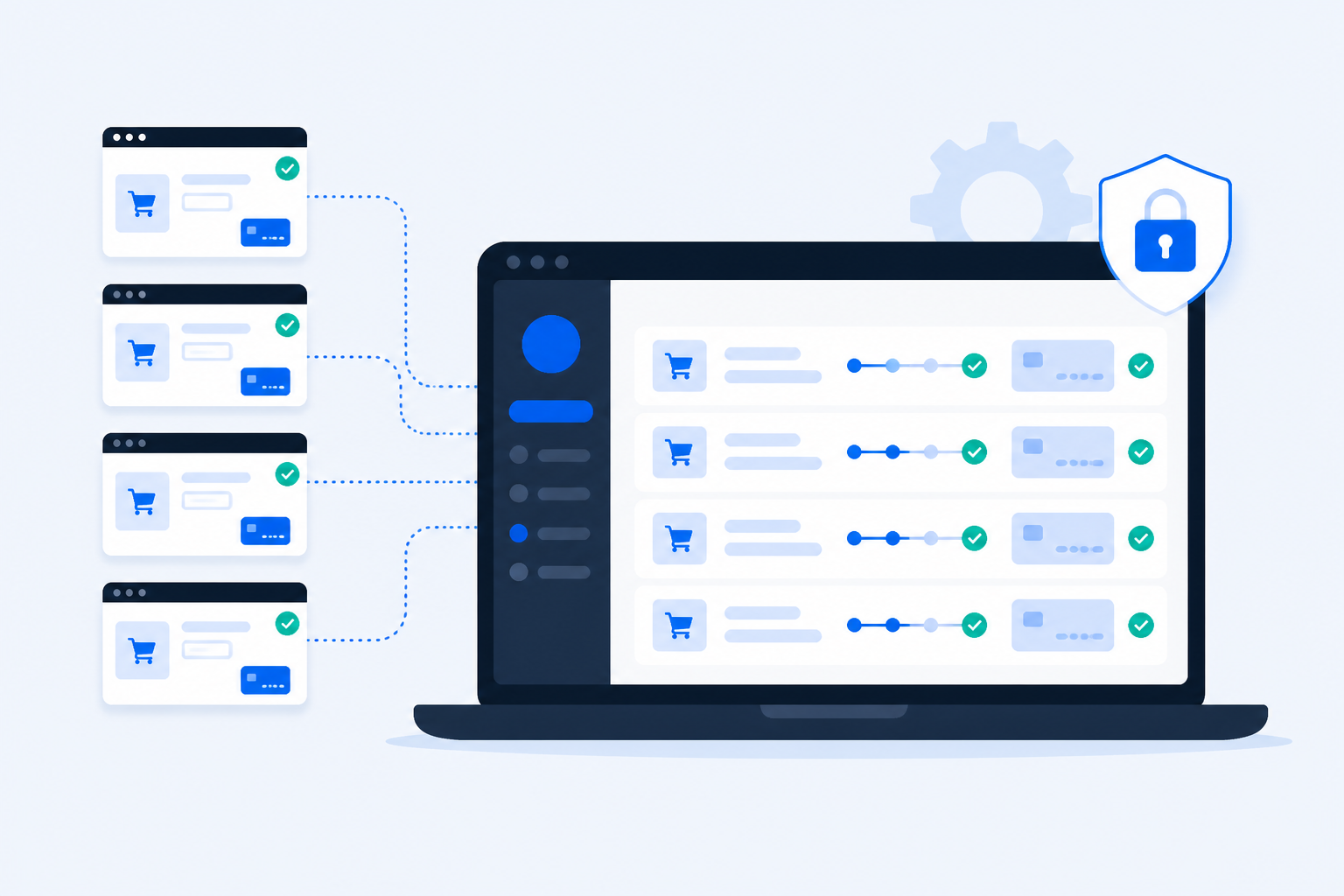
WordPress agencies already sell care plans: updates, backups, security, and a monthly status call. What most plans still omit is proof that the client’s WooCommerce checkout and lead forms still work after those updates. When a place-order button dies overnight, the client notices first — and the retainer feels like insurance that did not pay out. This article shows how to productize checkout monitoring as part of your maintenance offering: what clients actually buy, three packaging models that agencies use, why ShopMonitor fits multi-client portfolios, and how to onboard a new store in about five minutes.
The Agency Problem
Care plans create an expectation of continuous vigilance. Checkout breakage is quiet, revenue-critical, and rarely caught by the tools agencies already run.
Updates create invisible checkout debt
Core, WooCommerce, payment gateways, page builders, and cache plugins ship on different clocks. A green “updates applied” ticket says nothing about guest checkout, shipping calculators, or PayPal handoff the next morning.
Uptime is not conversion health
Most retainers include a ping monitor. HTTP 200 on the homepage (or even /checkout) does not prove a buyer can complete payment. Clients hear “the site is up” while carts silently fail.
Manual spot-checks do not scale
Walking checkout once a month across ten clients is a full day of busywork — and still leaves 29 nights uncovered. Peak seasons make the gap worse; start with how to test your WooCommerce checkout for a repeatable method, then automate it on a schedule.
Trust breaks before the invoice does
Clients rarely fire an agency for a slow theme tweak. They leave when “you manage our shop” and they learn about dead checkout from a customer complaint. Monitoring is how you find it first.
The fix is not more unpaid heroics. It is a scheduled, browser-level proof of the conversion path — packaged so clients understand the value and your team can deliver it without a custom Playwright farm.
What Checkout Monitoring Means for Clients
Skip the jargon. Clients buy a simple promise: if checkout or a critical form breaks, you know before shoppers do — and you can show evidence.
End-to-end checkout proof
A real browser path: product → cart → checkout → test payment → order confirmation. Not a screenshot of the form. Methodology matches how to test your WooCommerce checkout — automated on a schedule instead of once per quarter.
Form and lead-path coverage
Contact, quote, and support forms that look fine while AJAX submit fails. Maintenance clients who sell services as much as products need this as much as cart stores.
Alerts with actionable evidence
Failed runs surface with screenshots and diagnosis. Your first response is triage, not “can you reproduce it?” — which is what clients already hate hearing.
A story you can put on invoices
“We monitored checkout daily; X runs passed; one alert on Thursday fixed in 40 minutes.” That line turns care into measurable ops, not vibes.
Client hears
What you deliver
What it is not
“You watch our shop”
Scheduled browser tests of checkout/forms
Homepage uptime alone
“You catch issues first”
Alerts + screenshots before support tickets
Waiting for ‘orders feel low’
“It’s in the care plan”
Documented cadence + monthly pass summary
Ad-hoc QA when someone remembers
Position monitoring as insurance with receipts. Clients already pay for peace of mind; this gives them proof the checkout half of “peace of mind” is real.
Three Ways to Offer This
Agencies rarely invent a fourth model. They pick one of these three — or mix A for retainers and B for high-revenue shops.
Model A – Include it in every care plan
Checkout (and form) monitoring is a default line item on Pro/Agency-style retainers. No optional checkbox — it ships with updates and backups.
Simplest sales story: “care includes conversion monitoring.”
Stops adverse selection (only broken shops buying the add-on after an incident).
Uniform ops: every client site gets the same baseline cadence.
You absorb tool cost in the plan price — price the retainer accordingly.
Light brochure sites may not need daily checkout runs; tune templates per site type.
Best when
Most of your book is WooCommerce or form-heavy WordPress and you already sell “we keep it working.” Fold monitoring into the next plan renewal with a clear one-pager.
Model B – Paid add-on / upsell
Base care stays updates + backups + security. “Checkout Guard” or “Conversion Monitoring” is a monthly add-on for stores that take payments.
Clear margin line: tool cost + markup on a named SKU.
Easy yes/no for clients who want cheaper base plans.
Natural upsell after a near-miss or before Black Friday campaigns.
Some high-risk shops will decline until they burn once.
Sales requires a short demo or sample report — not just a bullet on a PDF.
Best when
You have mixed client types (brochure + ecommerce) or want a visible premium tier. Price the add-on so one Agency ShopMonitor seat still leaves healthy margin across the portfolio.
Model C – Internal only (agency ops)
You run ShopMonitor for your own SLA — clients never see the brand. Failures still alert your team; reports stay internal or get rewritten in your voice.
Protects margin and brand; tool is infrastructure, not a line item.
Works when contracts already promise “proactive monitoring” without naming vendors.
Fastest to start: no packaging debate, just cover every store you fear.
Harder to raise retainer fees without a named deliverable.
Clients may still undervalue the work because they never see the cadence.
Best when
You are early in productizing services, or legal/brand prefers white-label ops. You can still move to A or B later once the workflow is proven.
Model
Client sees
Agency gets
A – Included
Monitoring in care plan
Uniform coverage, sticky retainers
B – Add-on
Named SKU / upsell
Explicit margin, optional uptake
C – Internal
Nothing (or your report only)
Risk reduction without packaging
Why ShopMonitor Works for Agencies
Generic browser farms and uptime suites can be bent into agency workflows. ShopMonitor is shaped for WordPress/WooCommerce conversion paths and multi-client portfolios — so you spend time on packaging, not glue code. For the portfolio mechanics, pair this with how to monitor multiple WooCommerce stores from one dashboard.
Agency packaging animation: one laptop connects to three client shops labeled include, add-on, and internal
Animated agency desk: one laptop fans out care-plan badges to client shop windows — include, add-on, or internal coverage in a single ops view.
Unlimited websites, run-based plans
Attach every client domain without per-site enterprise quotes. You size Starter / Pro / Agency by monthly runs and features — not “how many logos may we monitor.”
Client grouping on Pro and Agency
Organize sites under clients instead of one flat domain dump. Matches how account managers already think — details in the Clients knowledge base guide.
No required plugin on client sites
Core monitoring points at the live URL. You are not negotiating another plugin install with every stubborn hosting setup. Optional plugin exists only for advanced spam/CAPTCHA bypass cases.
Evidence-first alerts
Screenshots, step history, and diagnosis shorten the gap between “alert” and “fix.” That is what makes monitoring billable instead of noisy.
Agency-scale features when you need them
Hourly scheduling, video replay, longer retention, and white-label options on higher tiers — useful when Model A/B clients expect branded reports or peak-season cadence.
Productize the dashboard you already need
Whether you sell Model A, B, or C, the operational unit is the same: one ShopMonitor account, many stores, alerts to the person who can fix the site. Packaging is a proposal problem; coverage is a five-minute setup problem.
How to Set Up a New Client in 5 Minutes
Onboarding should not be a project plan. Use the same flow as the Add Website knowledge base guide, then assign the site to a client on Pro/Agency.
1
Create or pick the client
On Pro/Agency, open Clients, add the account name if needed, then keep the detail page ready. Starter users skip this and attach the site flat — upgrade when the roster outgrows a single list.
2
Add the website URL
Enter the live (or staging) start URL, set platform to WooCommerce or WordPress, and assign the client so the site lands in the right folder from day one.
3
Choose a test template
Purchase for full checkout proof, Cart for a lighter smoke path, Form for lead-gen sites, or Manual when the theme needs custom steps.
4
Review steps and schedule
Confirm fields, buttons, and success criteria. Daily is the care-plan baseline; hourly on Pro/Agency for VIP or pre-campaign stores. Route alerts to the owner who can patch the site.
5
Run once, then trust the cadence
Trigger a manual run and confirm PASS before you leave. If setup day fails, fix selectors or test-mode payments before promising coverage on the next invoice.
Repeat per store. There is no separate “agency install” — the dashboard is the install. Your differentiator is the packaging (A/B/C) and the response SLAs you attach in the care contract.
Stop Losing Revenue to Broken Checkouts
ShopMonitor runs automated checkout and form tests every day – and alerts you the moment something breaks. No code changes. No plugins. Setup in 5 minutes.
Yes. ShopMonitor’s core monitoring does not require a WordPress plugin. Point the dashboard at each store URL, configure the flow, and schedule runs. An optional plugin exists only for advanced bot/spam bypass scenarios.
Both work. Include it (Model A) when most clients are ecommerce and you want uniform coverage. Sell an add-on (Model B) when you mix brochure and shop clients or want a clear margin SKU. Run it internal-only (Model C) while you productize.
Uptime proves the server answered. Checkout monitoring proves a buyer can complete the conversion path in a real browser. Sell both: green pings without green checkout still lose orders.
Estimate runs: stores × checks per day × 30. Light books may fit Starter (250 runs/month). Growing agencies usually need Pro (1,000 runs, hourly, client management) or Agency (3,000 runs, white-label, dedicated AM). Websites are unlimited on all plans.
On Pro and Agency, use Clients to create client cards and assign websites. That keeps multi-brand portfolios organized for account managers and monthly reporting. See the Clients knowledge base article for the UI walkthrough.
Typically about five minutes per store: add URL, pick template, review steps, schedule, confirm one manual PASS. Use the Add Website guide for the full step list.
About the author
Written by the Winning Solutions team — the agency behind ShopMonitor. We package checkout and form monitoring for WordPress/WooCommerce client portfolios the same way this article describes.Last updated: August 2026. Covers agency packaging models for WooCommerce checkout monitoring, ShopMonitor multi-client setup, and care-plan positioning.
WooCommerce Checkout Monitoring for Agencies – Offer It as a Service | ShopMonitor