Search “WooCommerce test mode” and you will find forum threads, outdated plugins, and zero official toggle in WooCommerce core. That is not a documentation bug - WooCommerce never shipped a global sandbox switch. Payment gateways do. So “test mode” always means: put the payment layer into a non-charging environment, place a deliberate order, verify the order record, then clean up.
This guide covers the three practical options in 2026 - Stripe test mode, PayPal sandbox, and Cash on Delivery as a structural hack - plus how to place a clean test order and delete leftovers. For the broader checkout checklist, start with how to test your WooCommerce checkout.
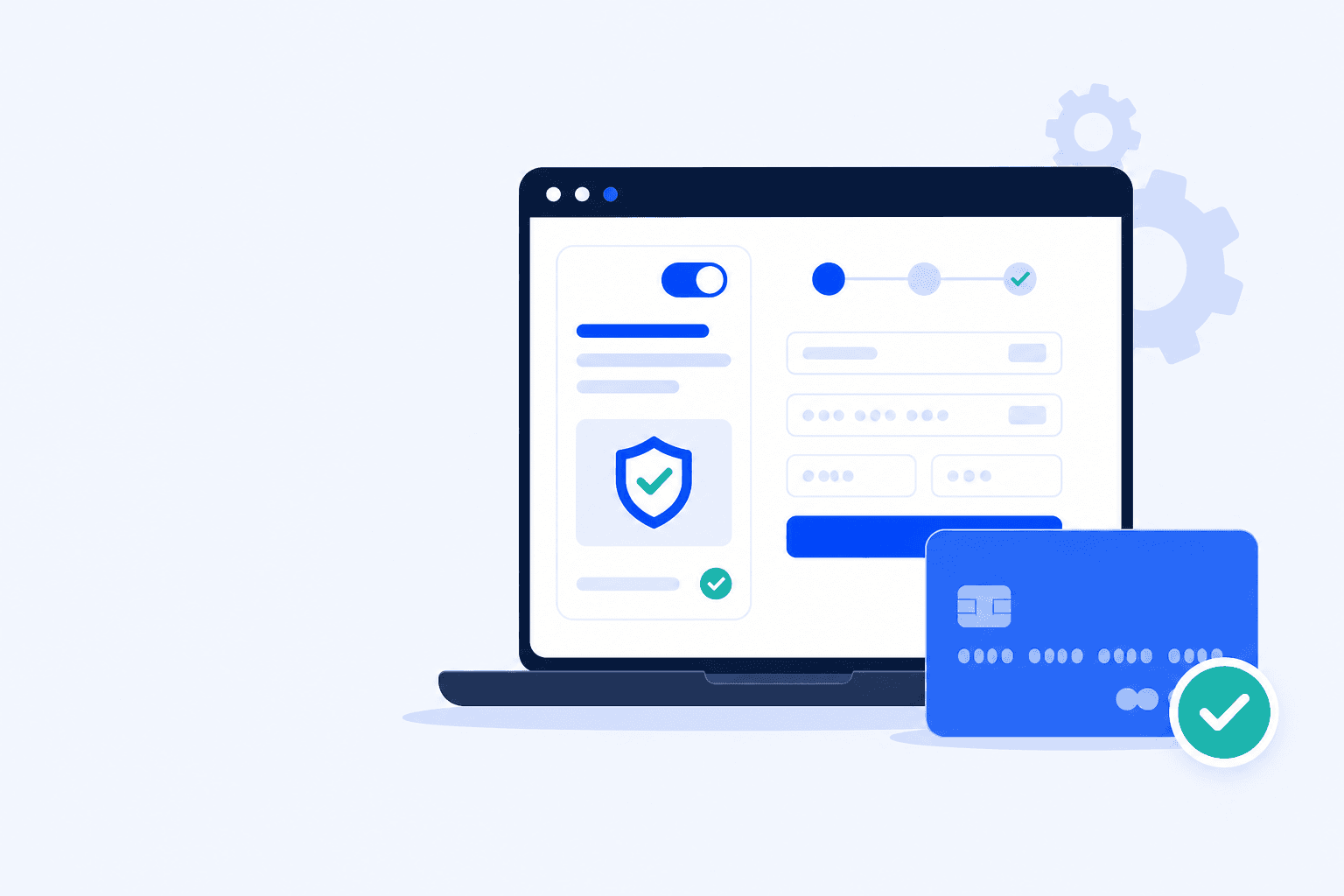
WooCommerce payment test mode toggle authorizes a sandbox card and confirms the order
Animated diagram: a Live/Test toggle flips to Test, a sandbox card authorizes, and the order lands with a success check - no real charge.
The Short Answer: WooCommerce Has No Global Test Mode
WooCommerce is an order engine. It creates carts, calculates totals, and hands payment off to gateways. Whether money moves depends entirely on those gateways (and on whether you are on staging or production).
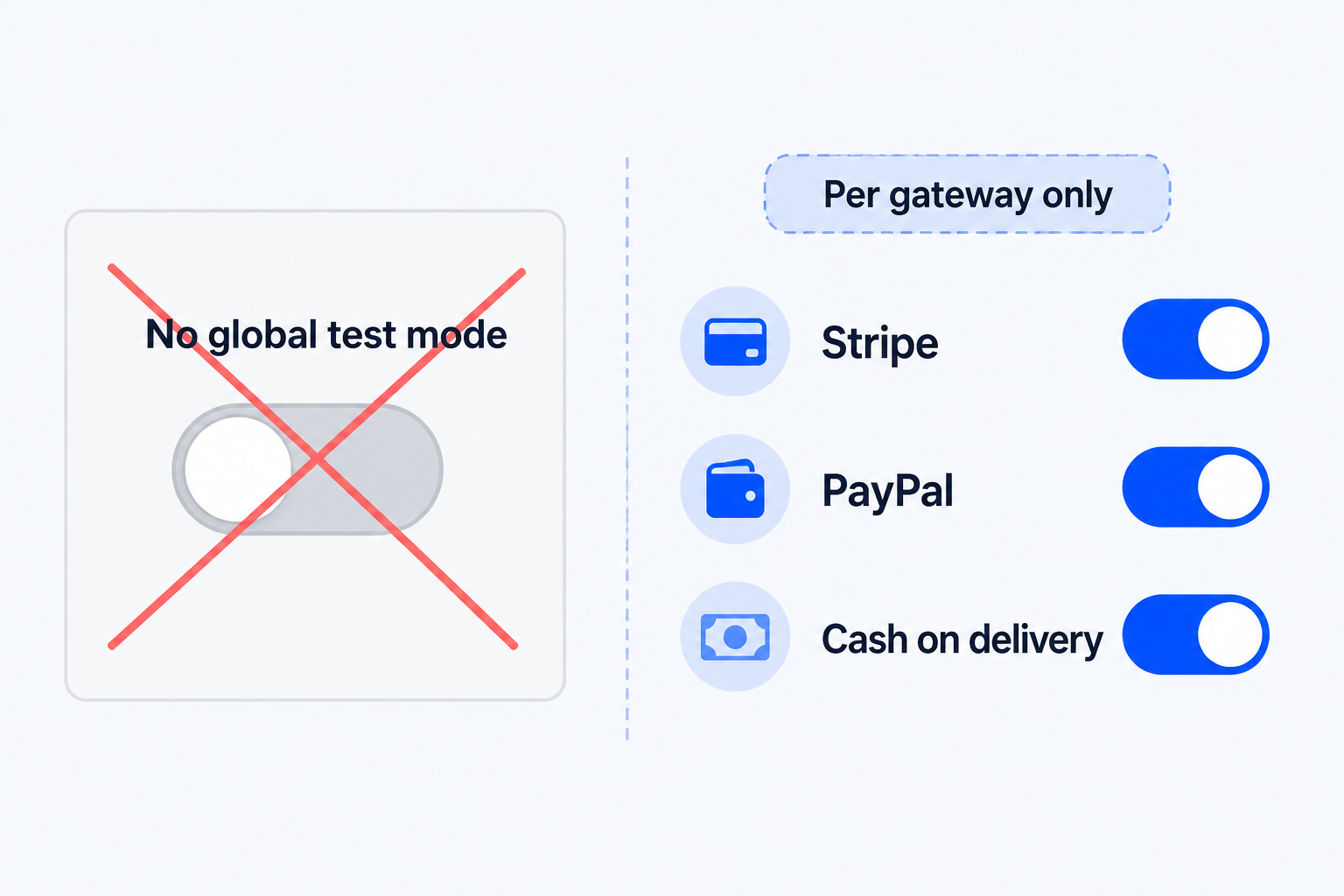
WooCommerce has no global test mode. Enable test or sandbox settings per payment gateway instead.
There is no WooCommerce → Settings → “Enable test mode for everything.”
Stripe, PayPal, Square, and most card gateways each have their own test / sandbox credentials.
Offline methods (Cash on Delivery, bank transfer, cheque) create real WooCommerce orders without talking to a card network - useful for structure checks only.
Staging clones are still the safest place for destructive debugging; production test mode only proves the live CDN, cache, and firewall stack.
A “one-click WooCommerce test mode” plugin that claims to sandbox the whole store is marketing. Real safety comes from gateway test keys, labeled orders, and a cleanup habit.
Three ways to place a test purchase without charging a real card:
Stripe test mode
Best when cards are your primary path. Test keys + Stripe test cards simulate success, declines, and 3-D Secure.
PayPal sandbox
Best when PayPal or Express Buttons matter. Sandbox buyer/seller accounts move fake money only.
Cash on Delivery
Fast structural check for cart, fields, shipping, and order creation - does not prove card JS or SCA.
Option 1 - Stripe Test Mode
Stripe’s test mode is the closest thing most WooCommerce stores have to a reliable “test payments” switch. Same checkout UI; only API keys and Dashboard environment change.
Enable Stripe test mode in WooCommerce
Open WooCommerce → Settings → Payments → Stripe (or your Stripe plugin’s settings).
Switch to Test mode / use test publishable and secret keys (pk_test_ / sk_test_). Save.
Confirm webhooks can reach this site. Staging and production should not secretly share a live webhook.
Open checkout in a private window. Pay with a Stripe test card - not a real card.
The universal success card is 4242 4242 4242 4242 with any future expiry and any CVC. For declines, 3-D Secure, and Radar scenarios, use the full Stripe test cards reference.
What “success” must include
WooCommerce shows a new order (Processing / Completed - not Pending Payment).
Stripe Dashboard → Test mode shows a successful PaymentIntent for that amount.
The thank-you page loads without a blank screen or nonce error.
Stock and emails behave as expected (or are suppressed on staging).
Production caution
Never leave live traffic on Stripe test keys overnight - real customers’ cards will fail. Label the window, run the test, flip back to live keys immediately.
Option 2 - PayPal Sandbox
PayPal does not use “test cards” like Stripe. You use the PayPal Developer sandbox: a business (seller) app plus a personal (buyer) account, wired into your WooCommerce PayPal plugin in Sandbox environment.
Sandbox setup checklist
In the PayPal Developer Dashboard, create or open a Sandbox app. Copy Client ID and Secret.
Create a Sandbox Business account (merchant) and a Sandbox Personal account (buyer) with a balance.
In WooCommerce PayPal Payments, set Environment to Sandbox and paste those credentials. Disconnect leftover Live onboarding if the UI mixes both.
Log out of any real PayPal session. Use a private window, then check out as the sandbox buyer.
Sandbox proves the hand-off: buttons render, create-order succeeds, return URL lands, WooCommerce gets paid. If PayPal fails only in live after sandbox passes, walk credential, SSL, and webhook fixes in WooCommerce PayPal not working.
Sandbox gotchas
Mixing Live Client ID with Sandbox Secret is the #1 false “PayPal is down” report. Second: testing while still logged into real PayPal. Third: webhooks still pointing at staging after you “only changed keys.”
Option 3 - Cash on Delivery (Quick Hack)
When you only need to verify cart → checkout → order creation - not the card network - enable Cash on Delivery (or Direct bank transfer) temporarily.
Optionally restrict it to your IP / role so random customers never see it.
Place a low-value test order with a labeled billing name (e.g. “TEST ORDER - DELETE”).
Confirm the order appears and the thank-you page loads - then disable COD again.
COD will not catch Stripe Elements JS errors, 3-D Secure failures, or PayPal Smart Button conflicts. Use it as a five-minute structural smoke test, then re-run Option 1 or 2 before release.
Placing a Clean Test Order
A sloppy test order pollutes analytics, confuses fulfillment, and sometimes emails a real customer. A clean one is reproducible and disposable.
Recommended sequence
1
Use a simple, in-stock product (or a hidden test SKU). Avoid variable products on the first pass.
2
Checkout as a guest in an incognito window - then repeat logged-in if accounts matter.
3
Fill required fields with obvious fake data: name “Test Mode User”, an email you control, an address that will not ship.
4
Apply one valid coupon if discounts matter; skip coupons on the first structural pass.
5
Pay with the enabled gateway test method. Watch the Network tab if Place Order spins.
6
On the thank-you page, note the order ID. Confirm status, totals, and payment method under WooCommerce → Orders.
Label everything
Put “TEST” in the order notes and customer name. If checkout fires analytics pixels, exclude test IPs or delete the conversion afterward so campaign dashboards stay clean.
Cleaning Up Test Orders
Leaving test orders in Processing forever breaks inventory reports, subscription metrics, and agency client reports. Clean up the same day.
Trash or permanently delete the WooCommerce order (and related subscription if created).
In Stripe test mode, PaymentIntents never hit live payouts - still void/refund if ops watches test dashboards.
PayPal sandbox transactions stay in sandbox - do not “refund” them on the live PayPal account.
Restore stock if the test product shares a live SKU that auto-reduced inventory.
Disable temporary COD / BACS and confirm live gateways are Enabled with live credentials.
If payment method visibility changed, purge cart/checkout cache and reopen checkout once to confirm live buttons still render.
Do not hard-delete production customer data by accident
Filter by the TEST customer email / note before bulk actions. Agencies should keep a short runbook: who may enable test mode, who deletes orders, where sandbox credentials live.
The Problem: You Can't Test Mode Forever
Manual test mode is excellent for releases and bad for everything else. You flip Stripe to test, place one order, flip back - three weeks later a caching rule or auto-update silently breaks Place Order while uptime stays green.
Test mode on production is a temporary window - not a monitoring strategy.
Humans skip the secondary gateway, mobile viewport, or coupon path when rushed.
Sandbox green ≠ live green if credentials, webhooks, or SSL differ.
Silent checkout failures still return HTTP 200. Host uptime will not save you.
Automated checkout monitoring closes that gap: a real browser runs the purchase path on a schedule and alerts on failure. Pair this with the full WooCommerce checkout testing playbook for guest/logged-in coverage, and use ShopMonitor when you need that proof every day - not only when you remember test mode.
What ShopMonitor adds
ShopMonitor runs automated checkout and form tests against your live store URL - no code changes. You get step screenshots when something breaks, instead of learning from a customer ticket.
Scheduled real-browser runs (not just a homepage ping).
Alerts the moment Place Order, payment, or confirmation fails.
Works alongside Stripe test keys / sandbox setups you already use for releases.
Stop Losing Revenue to Broken Checkouts
ShopMonitor runs automated checkout and form tests every day - and alerts you the moment something breaks. No code changes. No plugins. Setup in 5 minutes.
No. WooCommerce core has no global sandbox switch. You enable test / sandbox mode per payment gateway (Stripe test keys, PayPal sandbox, etc.) or use offline methods like Cash on Delivery for structural order tests.
Yes. Use Stripe test mode with test cards (e.g. 4242 4242 4242 4242), PayPal sandbox buyer accounts, or temporarily enable Cash on Delivery / bank transfer. Prefer a staging clone for destructive debugging.
Only for a short, supervised window. Real customers cannot pay with live cards while test keys are active. Label the change, run your test order, switch back to live keys immediately, and clean up the test order.
Stripe test mode uses test API keys and special card numbers in the same checkout UI. PayPal sandbox uses separate developer buyer/seller accounts and sandbox Client ID/Secret. Both avoid real money; neither replaces testing the other gateway.
Open WooCommerce → Orders, find the labeled test order, move it to Trash, then permanently delete if needed. Restore stock for shared SKUs, disable temporary offline gateways, and confirm live payment methods are enabled again.
Because checkout breaks between releases - from cache rules, plugin auto-updates, expired certificates, or gateway credential drift. Manual tests catch deploy-day issues; scheduled browser monitoring catches the quiet failures that still return HTTP 200.
About the author
Written by the Winning Solutions team - the agency behind ShopMonitor. We place real test orders on WooCommerce stores before releases - and build ShopMonitor so that proof still happens when nobody is watching.