checkoutwoocommerce
WooCommerce One Page Checkout: Options and Trade-offs
October 26, 20269 min read·ShopMonitor Team
Loading…
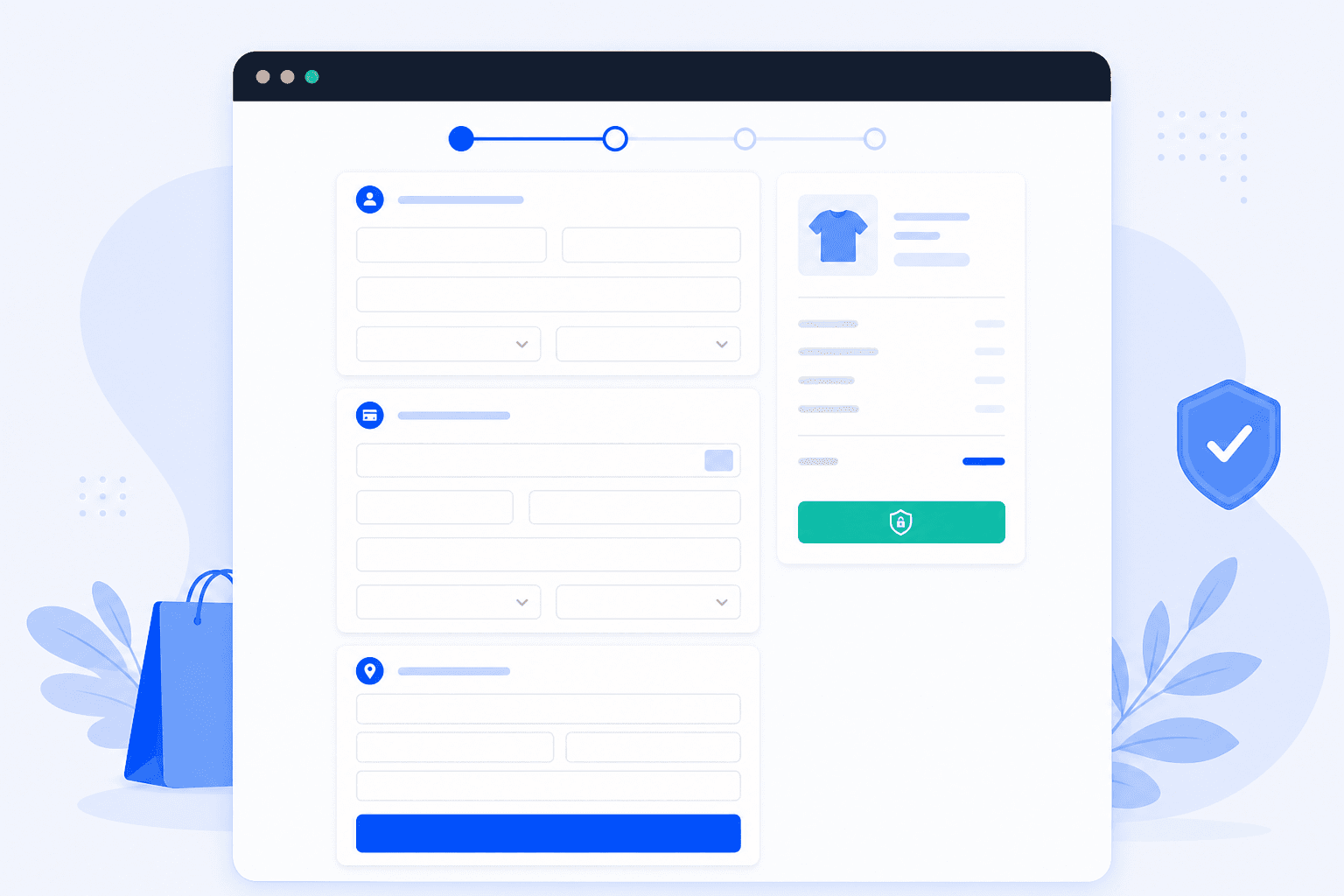
A WooCommerce one page checkout places product selection beside the payment form. A customer chooses, enters their details, and pays without a separate cart or checkout page. The idea is simple. The commercial result is not. It can remove friction for a focused offer, while taking away the review and comparison steps that help a larger catalog convert.
WooCommerce one page checkout versus multi step checkout: multi step has Product page, Cart, Checkout, then Order received with three page loads; one page merges product selection and checkout fields with AJAX recalculation, then Order received.
“One page checkout” gets used for three different patterns. Most debates about it start with people describing different implementations.
In the strict version, a visitor selects a product and completes the order without leaving the page. Product options, quantity, totals, and checkout fields sit together. JavaScript recalculates the order whenever the selection changes. That is the model used by the official WooCommerce extension, usually for a focused landing page rather than an entire store.
A multi-step checkout keeps the same information but groups it into panels: contact details, shipping, then payment. It can feel shorter without removing a field. State is also confirmed between steps. Many plugins offer both patterns, so a store that says it adopted one page checkout may have changed only the template.
Skipping the cart removes the cart page and sends people from the product page straight to checkout. It changes the route through your store, and it is a much smaller intervention. If your goal is simply fewer steps, skip the cart first and see whether that is enough before merging pages.
Sometimes. Fewer page loads and fewer handoffs can reduce friction. But the cart and separate checkout page are not dead weight. They give customers room to review an order, compare delivery choices, and spot an error before payment.
When It Helps
The pattern pays off when there is nothing left to decide by the time someone reaches the page:
In those cases the customer already knows what they want, and every additional page is an opportunity to leave.
When It Hurts
It works against you as soon as the order itself needs thought:
There is a second cost that is easy to miss: a merged page carries more logic, so there is more to go wrong on it.
Treat conversion uplift claims with caution, especially beside an affiliate link. They describe one audience and one catalog. Your average items per order is a better starting signal. Near one item, a merged page is worth a controlled test. Well above one, you are removing the workspace where customers build their order.
Three products cover most practical implementations. They solve different problems, and none is a universal replacement for the others.
WooCommerce One Page Checkout (Official Extension)
The official extension from WooCommerce.com is shortcode driven. You place a shortcode on any page or post, pass it a product list or category, choose a template, and get product selection plus the checkout form rendered together. Because it is scoped to the page you put it on, the rest of your store keeps its normal flow, which makes it the lowest risk option for a campaign page. It also stays close to core templates, so it plays reasonably well with existing checkout customizations. One page checkout for WooCommerce through this extension follows the same page-assignment rules as any other checkout shortcode.
CheckoutWC
CheckoutWC replaces the checkout templates entirely with its own conversion oriented designs, offering both one page and multi step layouts, a side cart, and trust badges. It is aimed at store owners rather than developers: you pick a template and configure it in the admin instead of writing template overrides. The trade-off is control. Because it swaps the templates out, custom field work and CSS you built against the default markup will usually need revisiting, so plan for that if you have already invested in how you customize the checkout page.
FunnelKit
FunnelKit (previously WooFunnels) is a funnel builder rather than a checkout plugin. The checkout page is one component alongside opt-in pages, order bumps, one click upsells, and post purchase offers, and it is built in a page builder rather than through templates. That is the right shape if a merged checkout is part of a wider paid traffic funnel, and it is heavier than you need if all you want is a shorter form. It has a free core with paid tiers for the funnel features.
WooCommerce one page checkout plugin comparison
| Option | Price model | Redirect gateways | Subscription products | Customizability |
|---|---|---|---|---|
| WooCommerce One Page Checkout | Paid annual license; confirm current renewal terms | Work, but the gateway still takes over the page | Documented as compatible with WooCommerce Subscriptions, verify for your template | High: shortcode attributes plus standard template overrides |
| CheckoutWC | Paid annual license; confirm current renewal terms | Broad gateway coverage claimed, off site flows still leave the page | Supported in its own templates, verify against the current release | Medium: admin settings, hooks, and CSS, not free-form markup |
| FunnelKit | Free core with paid feature tiers; confirm the current tier scope | Supported for common gateways, redirect flows exit the funnel step | Depends on the tier and the gateway, verify before buying | High inside the builder, lower outside it |
WooCommerce one page checkout plugin comparison: Official extension, CheckoutWC, and FunnelKit compared on scope, setup, gateway risk, and customizability.
Compatibility changes with releases on both sides. Use this table to frame your evaluation, then test your own gateway and extension mix. Choose the scope that matches the job: a campaign page, a store-wide template, or a paid-traffic funnel.
You can build it yourself. Checkout is also the part of WooCommerce where small implementation gaps turn directly into lost orders.
A minimal version is deceptively easy to start. You render [woocommerce_checkout] on a page, add your own product selection form above it, and hook the selection into the cart with AJAX so the order review refreshes. WooCommerce even gives you the hook for it: woocommerce_checkout_update_order_review fires on every recalculation, and the fragment refresh mechanism is already there.
The work is everything after that first afternoon:
These are not edge cases. Each is a failure mode that can block an otherwise ready customer from paying.
Callout
This is where plugin roundups tend to become less useful. A merged checkout changes the assumptions made by the rest of the stack. The same pressure points appear again and again.
PayPal, Klarna, iDEAL, and most bank transfer style methods send the customer to the provider's own page. No checkout design changes that. The one page promise ends at the pay button, and what you have to verify is the return: whether the customer lands back on the order received page with the order intact, and what happens when they abandon at the provider and press back. That return path is where PayPal checkout issues on merged pages usually surface.
Shipping rates depend on the cart contents and the destination address, and on a merged page both can change at any moment. Live rate plugins that query a carrier API make this worse, because each change is another external request with its own latency. Watch for stale rates left over from a previous selection, and for the case where a customer edits the product after the rate was already calculated.
Callout
Subscriptions add recurring totals, sign-up fees, trial periods, and free trial handling, and they usually also add a payment method requirement (a gateway that supports tokenized recurring payments). Mixing a subscription and a one-off product in the same merged cart is where things break, because the totals block has to render two billing schedules at once. If subscriptions are your main product, verify the specific plugin combination on staging before you commit.
Tax depends on the customer's address, and on a merged page the address is often entered after the product. That means the first totals a visitor sees may be pre-tax or based on your shop base country, and then change. For B2C stores in the EU that is a display problem worth solving deliberately, not something to leave to the plugin's default. Check what the page shows before an address is entered.
Coupon rules are evaluated against the cart, so a coupon applied before the selection changes may become invalid without any visible signal. Minimum spend conditions, product restrictions, and percentage discounts are all affected. Confirm that removing a product also removes a coupon that no longer qualifies, and that the customer is told rather than silently overcharged.
A merged checkout carries more risk than the standard flow for a structural reason. More logic runs in the browser and more state is recalculated over AJAX instead of confirmed on a page load. Theme updates and plugin conflicts have more surface area to break. The failure is often quiet: the page looks normal, but the pay button no longer completes the order.
Walk the whole path before you send traffic to it:
The full manual procedure for a standard checkout applies here too, so use our guide on how to test the full checkout flow as the baseline and add the steps above.
A one page checkout can fail without looking broken. Verify a real browser purchase through a real gateway, not just that the page renders.
This checklist is only true on the day you run it. One page checkouts depend heavily on JavaScript, so a theme or plugin update can create a subtle failure later. ShopMonitor runs the browser checkout and thank-you path on a schedule, then alerts you when that flow no longer completes. It does not test inbox delivery. It verifies the browser path through checkout and the order-received page.
ShopMonitor runs automated checkout and form tests every day and alerts you the moment something breaks. No code changes. No plugins. Setup in 5 minutes.
No credit card required.

About the author
Written by the team at Winning Solutions, the agency behind ShopMonitor. We help WooCommerce stores evaluate one page checkout options without losing orders to silent AJAX failures.