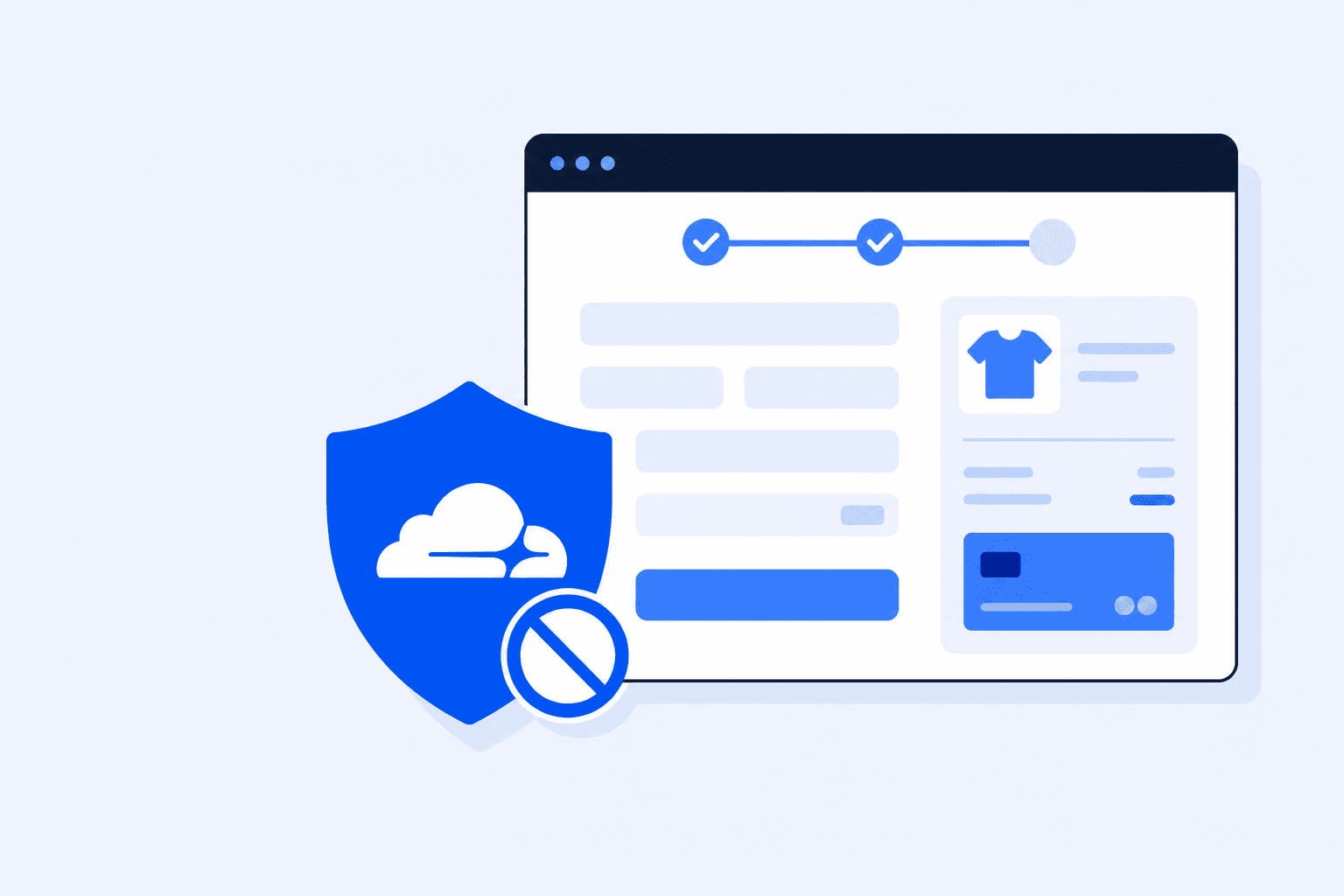
Your cart looks fine and shipping calculates correctly. Then Place Order returns a Cloudflare challenge, a 403 response, or a spinner that never stops, even though the homepage is fast. Cloudflare is trying to block traffic that looks automated or abusive. Unfortunately, a WooCommerce checkout and payment callback can look the same. This guide helps you identify the rule, create a narrow exception, and keep the rest of your protection in place.
Why Cloudflare Blocks WooCommerce Requests
Cloudflare sits in front of your origin. Every checkout AJAX call, Store API POST, and gateway return reaches its edge first. Bot Fight Mode, managed WAF rules, rate limiting, Under Attack mode, and custom firewall rules can all mistake a genuine checkout for hostile traffic.
Checkout POSTs that look unusual
Place Order fires `?wc-ajax=checkout` or `/wc/store/v1/checkout` with cookies, nonces, and often payment scripts from other providers. That pattern overlaps with bot and fraud signatures Cloudflare scores heavily.
Payment provider callbacks
Stripe, PayPal, and bank gateways POST webhooks and return customers through URLs with query parameters. If those paths are challenged or blocked, the buyer may see success at the provider while WooCommerce never creates a paid order.
Shared datacenter IPs
Agencies, staging runners, and monitoring tools often use cloud IP ranges. Cloudflare can score those ranges as automated, even when the request is a deliberate checkout test you configured.
JS challenges vs. checkout scripts
A challenge interstitial or delayed JS can race WooCommerce’s own checkout scripts. Guests pass the challenge, then Place Order fails because the session or nonce was minted before the challenge completed.
If checkout fails after a security or CDN change, do not look only at recent plugin updates. Treat the edge as a possible cause alongside the classic checkout broken after update checklist.
Symptoms: How to Tell If Cloudflare Is the Problem
Do not rotate API keys first. Prove whether the block is at Cloudflare, at the origin, or in WooCommerce itself.
1
Cloudflare branded error or challenge page
Look for a Ray ID, Attention Required, a managed challenge, or 1020 and 1015 responses on cart, checkout, or thank you pages. Save the Ray ID because you can use it in Security Events.
2
Network tab: 403 / 429 / challenge HTML instead of JSON
Failed `wc-ajax=checkout` or Store API calls return Cloudflare HTML, not a WooCommerce error object. Origin PHP logs stay quiet for that click.
3
Works on direct origin, fails via the public domain
A temporary hosts file test or a DNS only test succeeds while the proxied hostname fails. That strongly points to an edge block.
4
Incognito guests fail; you as admin sometimes pass
Signed in administrators often bypass caches and some bot rules. Test as a guest because that is the checkout path your customers use.
5
Monitoring or agency IPs always fail
Manual tests from home work; scheduled browser checks from datacenter IPs get challenged every run. That is Cloudflare scoring, not a WooCommerce bug.
Once Cloudflare is a credible suspect, keep a repeatable guest checkout test ready. Add a product to the cart and complete Place Order using the same method you would for a normal WooCommerce checkout test without real charges. Retest after every firewall change; do not wait for the next customer ticket.
Cloudflare WAF blocks a WooCommerce checkout POST until the path is allowed
Animated diagram: a WooCommerce checkout request hits a Cloudflare shield; the WAF blocks the POST until the path is allowed, then the order completes.
Fix 1: Check Cloudflare Security Events
Guessing which rule fired wastes hours. Cloudflare already logged the decision.
1Open the Cloudflare dashboard → Security → Events (or Firewall → Events on older UI). Filter by the hostname and the timestamp of a failed checkout.
2Search by Ray ID from the error page if you have one. Confirm action: Block, Challenge, JS Challenge, or Managed Challenge.
3Note the service: WAF managed rule, custom firewall rule, Bot Fight / Super Bot Fight, rate limiting, or Browser Integrity Check.
4Open the matched request URL and method. Checkout blocks usually affect `/checkout`, `?wc-ajax=`, `/wc/store/`, `/wc-api/`, or gateway callback paths rather than the homepage.
5If the event shows a false positive for a known customer or your own test IP, continue with Fixes 2 through 4. Do not disable the entire WAF.
Turning off “Under Attack” mode or pausing Cloudflare entirely is a temporary diagnostic, not a fix. Use it for five minutes to confirm the edge is involved, then restore proxying and apply a scoped allow rule.
Fix 2: Create Narrow Checkout Exceptions
Most stores need a narrow WAF exception, not an open door. Use a custom rule with the Skip action for only the checkout paths and protections that Security Events identify as the cause. Keep managed protection active everywhere else.
Paths that commonly need an exception
/checkout and localized variants (/kasse, /caisse, etc.)
/cart and cart fragments / mini cart AJAX
admin-ajax.php and ?wc-ajax=* (especially checkout, update_order_review)
/wc/store/v1/* (Checkout Block / Store API)
/wc-api/* and payment gateway webhook/return URLs
/my-account and order-received / order-pay endpoints
How to configure it
1Open Security, WAF, then Custom rules. Create a rule for the affected checkout path or query string. Use Skip only for the managed WAF rules or Bot Fight components that Security Events show are blocking the request.
2Exclude cart and checkout from “Cache Everything” page rules and from aggressive Argo/Rocket Loader experiments that rewrite checkout JS.
3If you use Cloudflare Turnstile or a CAPTCHA plugin at checkout, configure it so payment POSTs do not receive a second challenge after the customer has already solved a widget.
4Purge cache after rule changes. Place a guest test order and confirm Events no longer Block/Challenge that Ray path.
Scoped skip > zone pause
Prefer Skip for specific products, such as Bot Fight on /checkout, over Disable Security for the whole zone. Broad skips invite scrapers. A rule limited to the affected path keeps the rest of the site protected.
Fix 3: Tune Bot Fight Mode for Checkout
Bot Fight Mode and Super Bot Fight Mode can quietly stop a WooCommerce checkout. They challenge or block traffic that looks automated, including headless browsers, some mobile web views, and payment callbacks that do not resemble a normal Chrome session.
Security → Bots: if Bot Fight Mode is on and Events show it on checkout POSTs, either disable it for the zone (small stores) or use a WAF custom rule to Skip Bot Fight on checkout/Store API/webhook paths only.
Super Bot Fight Mode: set definitely automated to Managed Challenge rather than Block while you tune, then move to Block only after checkout Events are clean for a week.
Review aggressive scraping rules on payment return URLs. These short lived URLs can look unusual to automated classifiers.
Browser Integrity Check can break older web views used by in app browsers. If Instagram or Facebook shoppers fail checkout, test with BIC off on /checkout.
After any Bot Fight change, run one live path test in WooCommerce test / sandbox mode (or a tiny refundable live order on staging) so you prove Place Order still completes under the new edge policy.
Fix 4: Allow Monitoring IP Addresses
A ping to `/` can stay green while Cloudflare blocks checkout for data center browsers. If you use ShopMonitor or another real browser checkout monitor, Cloudflare needs to recognize its worker IP addresses. Otherwise, scheduled runs can report a false failure or mistake a challenge page for a successful checkout.
1Collect the current egress IP list from your monitoring provider (ShopMonitor documents worker ranges in the product docs; refresh the list when they rotate).
2Cloudflare → Security → WAF → Tools / IP Access Rules: Allow those IPs (or create a custom rule: IP in list → Skip Bot Fight + relevant WAF managed rules).
3Prefer an IP list referenced by a WAF rule over a permanent “Disable Security” for the whole hostname.
4Confirm in Security Events that monitoring runs show the intended Skip result rather than a challenge. A challenged monitor can record a false failure or, with a shallow check, mistake challenge HTML for success.
When you add the store to ShopMonitor, follow how to add a website so the monitored URL matches the proxied hostname customers use (www vs apex, HTTPS). Whitelisting the wrong host does nothing.
Never “Allow” the entire cloud provider ASN just to make one monitor pass. Scope to the provider’s published monitoring IPs, and review the list quarterly.
Staying Protected While Allowing Legitimate Traffic
The goal is not a softer site. It is a precise edge: block abuse everywhere except the narrow paths and IPs that must complete checkout.
Keep strict
Allow narrowly
Managed WAF on admin, login, xmlrpc, and wp json write endpoints you do not need publicly
Skip or challenge exceptions only on cart, checkout, Store API, and payment callbacks
Rate limits on login and password reset
Higher or separate thresholds for /checkout POSTs so flash sales do not 429 real buyers
Bot Fight on marketing pages and content APIs
Skip Bot Fight on checkout + webhook paths; IP Allow for monitoring egress only
Full caching for blogs and product listing HTML where safe
Bypass cache for cart, checkout, my-account, and order-received
Check Security Events again after every Cloudflare or security plugin change. Edge regressions can look like random checkout bugs and be mistaken for gateway failures for days.
Pair careful edge rules with scheduled real browser checkout tests. Cloudflare will not notify you when a new managed rule blocks Place Order at 2 a.m. ShopMonitor can alert you to the same kind of silent failure covered in WordPress form failure monitoring.
Review Security Events after every Cloudflare or security plugin change.
Keep monitoring IPs on an approved list and refresh it when the provider rotates egress.
Schedule a real browser checkout test so a new managed rule alerts you before it affects customers.
Stop Losing Revenue to Broken Checkouts
ShopMonitor runs automated checkout and form tests every day and alerts you as soon as something breaks. No code changes. No plugins. Setup takes five minutes.
Look for a Cloudflare challenge or error page with a Ray ID on cart or checkout, or network responses that return Cloudflare HTML for wc-ajax or Store API POSTs while origin logs stay quiet. Compare proxied access with DNS only access. If the origin works and the public hostname fails, the edge is involved. Confirm the match under Security → Events.
No. Use Disable Security for the whole zone only as a short diagnostic. Create custom rules limited to the affected paths and use Skip for the specific product, such as Bot Fight, a managed rule, or a rate limit. Keep managed WAF active for login, admin, and the rest of the site.
Yes, it can. Bot Fight and Super Bot Fight Mode can challenge or block traffic that looks automated, including some mobile web views, headless monitors, and payment return flows. Check Security Events for Bot Fight actions on checkout POSTs, then use a narrow Skip rule for those paths or change Super Bot Fight from Block to Managed Challenge while you tune the rule.
Add the provider’s published egress IP addresses to a WAF custom rule that uses Skip for the exact protections appearing in Security Events. Limit the rule to those addresses, not an entire cloud ASN. After the change, verify that monitoring runs receive the intended result in Security Events.
Yes. Webhooks are server to server POSTs that frequently look automated. If payments succeed at the provider but WooCommerce orders stay pending, check Security Events for blocks on /wc-api/, webhook paths, or gateway plugins. Use Skip on those callback URLs only where the events identify a false positive, then confirm the provider can reach your proxied hostname over HTTPS.
Bypass cache for cart, checkout, account pages, checkout endpoints, and the thank you page after an order. Caching these pages can serve stale nonces and sessions, which looks like a broken checkout even when the WAF is not blocking. Purge after rule changes and retest as a signed out guest.
Last updated: August 2026. Covers Cloudflare WAF Events, checkout path exceptions, Bot Fight Mode, and monitoring IP allows for WooCommerce.
About the author
Written by the Winning Solutions team, the agency behind ShopMonitor. We see Cloudflare false positives on WooCommerce checkout more often than an unavailable payment gateway. This is the edge checklist we use before touching payment credentials.