Going live with WooCommerce is not a design milestone — it is a revenue gate. The first real customer should never be the first person who proves Place Order works, that confirmation emails leave the server, or that your contact form actually delivers leads. This pre-launch checklist (2026 edition) walks staging → checkout → cart → forms → performance → security → legal, then hands you a monitoring habit so launch day is not a one-shot hope.
Most soft launches fail the same way: the homepage looks polished, Ads Manager is funded, and nobody completed a guest purchase on a phone through the live CDN path. Uptime green, orders zero. The fix is boring and binary — checklists with pass/fail proof, not vibes.
If you only do one deep pass before DNS flips, run a real browser purchase path. Start with how to test your WooCommerce checkout, use gateway sandboxes correctly, and keep that path under watch after go-live — not only on the afternoon you ship.
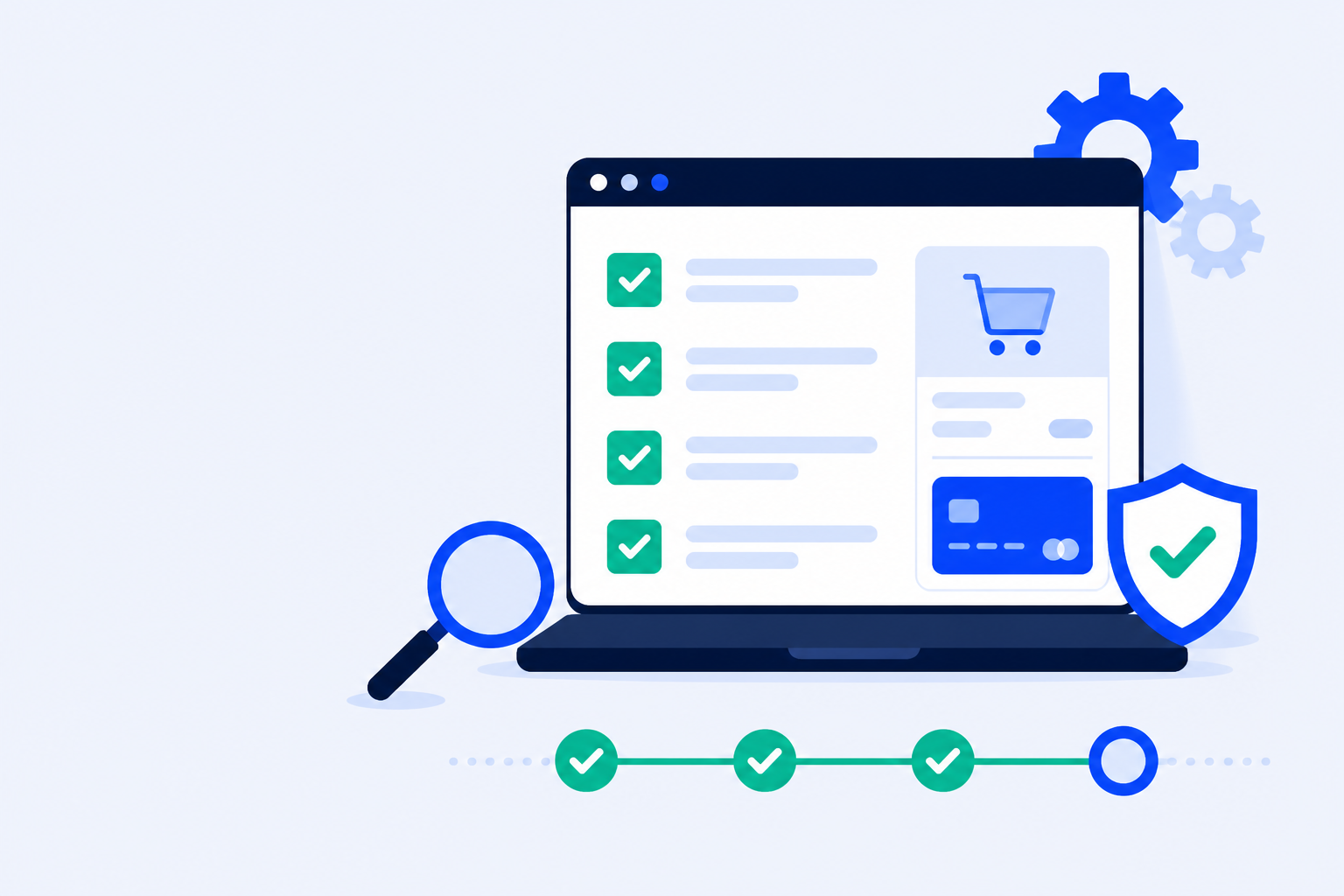
Animated launch sequence dashboard: staging, checkout, payments, emails, and security checks complete before reaching a ready to launch status.
Before You Test: Staging
Testing on production “just this once” contaminates orders, emails, stock, and analytics — and still fails to prove CDN/cache rules that only exist on the live host. Clone first. Treat staging as the only place where broken Place Order is allowed to happen on purpose.
0 of 4 checked
Staging tip
After cutover, re-run the same smoke tests on production with sandbox/test payments. Staging proves themes and plugins; production proves Cloudflare, page cache, and real webhooks.
Checkout & Payments Checklist
Checkout is the store. Everything else is decoration until a guest can pay and land on the thank-you page. Prefer a deliberate playbook from how to test WooCommerce checkout, and put gateways into sandbox mode instead of inventing a “global WooCommerce test switch” — there is none. See WooCommerce test mode for Stripe, PayPal sandbox, and COD structural checks. After every successful test order, confirm the customer order confirmation email actually arrives (or is intentionally suppressed on staging) — paid silence is a launch-day support bomb.
0 of 7 checked
Product & Cart Checklist
Broken cart fragments and invisible Add to Cart buttons look like “low conversion” after launch. Prove catalog and cart mechanics before ads spend. Launch week is too late to discover that variable products empty the cart with no error message.
0 of 5 checked
Forms & Lead Capture
Contact, newsletter, and quote forms are often live before checkout is ready — and they fail silently while the team stares at ads dashboards. Treat forms like revenue paths, not afterthought widgets. For failure patterns and monitoring, see WordPress form failure monitoring.
0 of 3 checked
Performance
Lighthouse on the homepage is not a launch gate. Prove product, cart, and checkout under realistic cache rules — the pages that make money. A 95 homepage score with a 6-second checkout TTFB is still a failed launch for mobile buyers.
0 of 4 checked
Security
Security plugins and WAFs that “protect” the store often challenge or rate-limit checkout POSTs. If you run Cloudflare, read Cloudflare blocking WooCommerce checkout before you tighten rules for launch. Ship required security updates early, then freeze non-critical bumps — most day-two outages start with an “innocent” plugin update that breaks checkout after an update.
0 of 5 checked
Legal & Compliance
Missing legal pages and cookie consent that blocks checkout are launch killers — especially for EU/UK traffic. Fix copy and consent before ads. A beautiful store that cannot legally sell in its primary market is not launched — it is exposed.
0 of 4 checked
Compliance note
This checklist is operational hygiene, not legal advice. Have counsel review jurisdiction-specific obligations (DSA, GDPR, distance selling) before you spend on acquisition.
After Launch: Testing → Monitoring
A green pre-launch checklist expires the moment someone updates a plugin, changes a Cloudflare rule, or ships a theme tweak. Convert one-time testing into a schedule. Launch day proves readiness; the next ninety days prove whether you keep it.
1. Keep one golden path
Document the exact product, coupon (if any), gateway, and success criteria you used at launch. Re-run it after every deploy. If the golden path drifts undocumented, your team will reinvent a weaker smoke test under pressure.
2. Automate what humans skip
Humans forget weekend smoke tests. ShopMonitor places real browser purchases and form submits on a schedule and alerts when Place Order or lead capture fails — even when uptime is green.
3. Watch emails too
Order confirmation silence is as bad as a failed charge. Checkout monitoring does not open a mailbox — wire SMTP logs and a labeled test-order inbox check into your habit. Delivery class changes after DNS and SPF tweaks — re-check in week one.
4. Separate launch from growth
Do not stack Black Friday-scale experiments on week one. Prove stability for a week of real traffic before you optimize conversion hard. Growth experiments on an unproven checkout multiply false positives.
Monitoring tip
Turn monitoring on the day you go live — not after the first support ticket. You want a green baseline while traffic is still friendly. The cheapest incident is the one a scheduled browser run catches before breakfast.
Stop Losing Revenue to Broken Checkouts
ShopMonitor runs automated checkout and form tests every day – and alerts you the moment something breaks. No code changes. No plugins. Setup in 5 minutes.
No credit card required. Launch with a proof loop — not a hope loop.
Begin once catalog, theme, and payment plugins are roughly final — typically 1–2 weeks before DNS cutover. Leave enough time to fix staging failures and retest on production with sandbox payments. Do not start the night before launch.
Both. Staging proves WooCommerce, theme, and plugins safely. Production proves CDN, page cache, WAF, SSL, and live webhooks. After cutover, run at least one sandbox guest checkout on the live URL.
Use each gateway’s test/sandbox mode (Stripe test keys, PayPal sandbox, etc.). WooCommerce has no global test switch. Cash on Delivery only proves order structure — not card JS or SCA. See our WooCommerce test mode guide.
A full guest checkout on a mobile viewport that reaches the thank-you page and creates a WooCommerce order — plus confirmation that the customer email is sent or intentionally suppressed. Homepage uptime does not prove revenue.
A checklist is a point-in-time audit. Monitoring repeats the critical path on a schedule and alerts when cart, checkout, payments, or forms break after launch — plugin updates, cache rules, and CDN changes included.
Yes, but you accept discovery via angry customers and silent conversion drops. If you skip automation at launch, schedule a human smoke test daily for the first two weeks — then automate before the habit slips.
About the author
Written by the team at Winning Solutions — the agency behind ShopMonitor. We treat WooCommerce launches like releases: staging discipline, real checkout proof, and monitoring that does not sleep after go-live.
WooCommerce Pre-Launch Checklist – Everything to Test Before Going Live | ShopMonitor